
If you’ve been watching coding agents tackle Business Central tasks for a while, I’m sure you’ve thought the same thing as me: “OK, but is it actually any good, or does it just generate AL that looks right?”
Those of us who’ve been building AL agent frameworks for some time know that custom instructions, specialised skills and multi-agent orchestration make a real difference. We see it in every iteration: the customised agent solves what the generic one cannot. But demonstrating this in a standardised way, with a public dataset and an evaluation pipeline that anyone can reproduce, was another story.
That has just changed.
What exactly is BC-Bench
BC-Bench is an open-source benchmarking framework created by Microsoft, designed specifically to evaluate coding agents on real-world development tasks in Business Central. Think of it as SWE-Bench (the benchmark of choice for evaluating AI agents in software engineering) but adapted to the AL ecosystem with all its specific features: app compilation, BC containers, CodeUnit tests and the project structure unique to BCApps.
The dataset contains 101 real bugs extracted from the BCApps and NAV repositories. Each entry includes a description of the problem (with reproduction steps and screenshots), the base commit where the bug exists, the gold standard patch, and the test patch that validates whether the fix works. No synthetic tasks or toy examples: every entry is a real issue that a real developer had to resolve.
The evaluation pipeline is straightforward: the agent receives the bug description, attempts to produce a fix, and BC-Bench compiles the code, applies the test patch and runs the tests within a BC container. Binary result: resolved or not.
Why this matters more than it seems
The BC ecosystem has been experimenting with AI-assisted development for some time. Claude Code, GitHub Copilot CLI, custom agents on various LLMs: there’s no shortage of options. But without a standardised benchmark, every discussion about “which tool is best” has been a matter of opinion.
BC-Bench changes the conversation. We move from “I think Claude is better for AL” to “Claude Sonnet resolves 56% of real BC bugs with this configuration, compared to 38% for the baseline without custom instructions.” That is a fundamentally different kind of claim.
And most importantly: it allows you to isolate variables. Want to know if your custom instructions actually help? Run the same 101 bugs with and without them. Curious whether giving the AL compiler access via MCP improves results? Enable –al-mcp and compare. Does your specialised agent outperform the generic one? The framework handles the experimental design.
The four levers you can adjust
BC-Bench isn’t just a pass/fail machine. Its configuration system exposes four dimensions that you can adjust independently:
Prompts. The base instruction template that frames the task. You control what context the agent receives: just the bug description, or also the affected project paths.
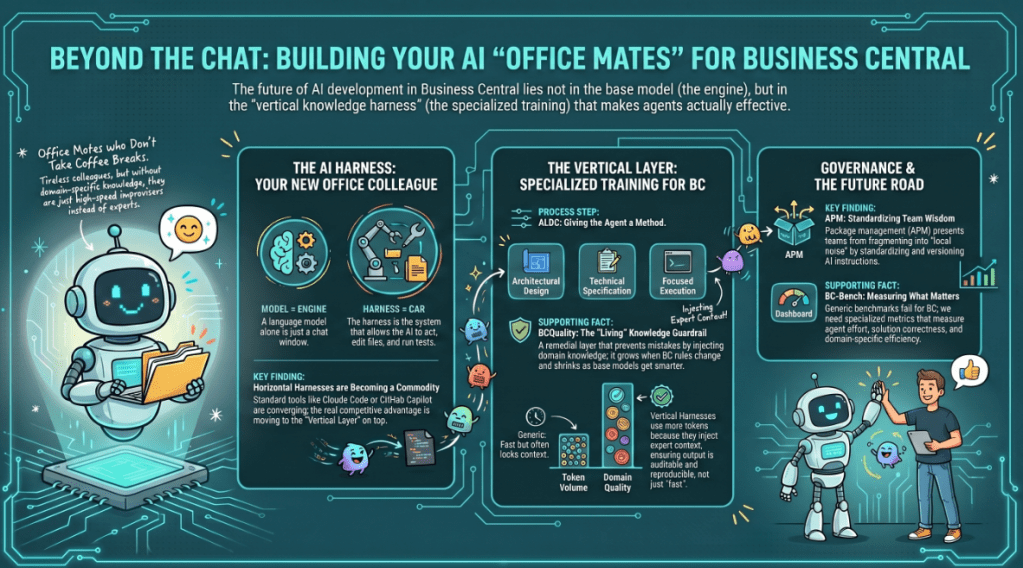
Custom instructions. Markdown files that are copied into the agent’s context before execution. For Claude Code, this becomes CLAUDE.md; for Copilot, copilot-instructions.md. This is where your AI coding standards, architectural patterns and domain knowledge reside.
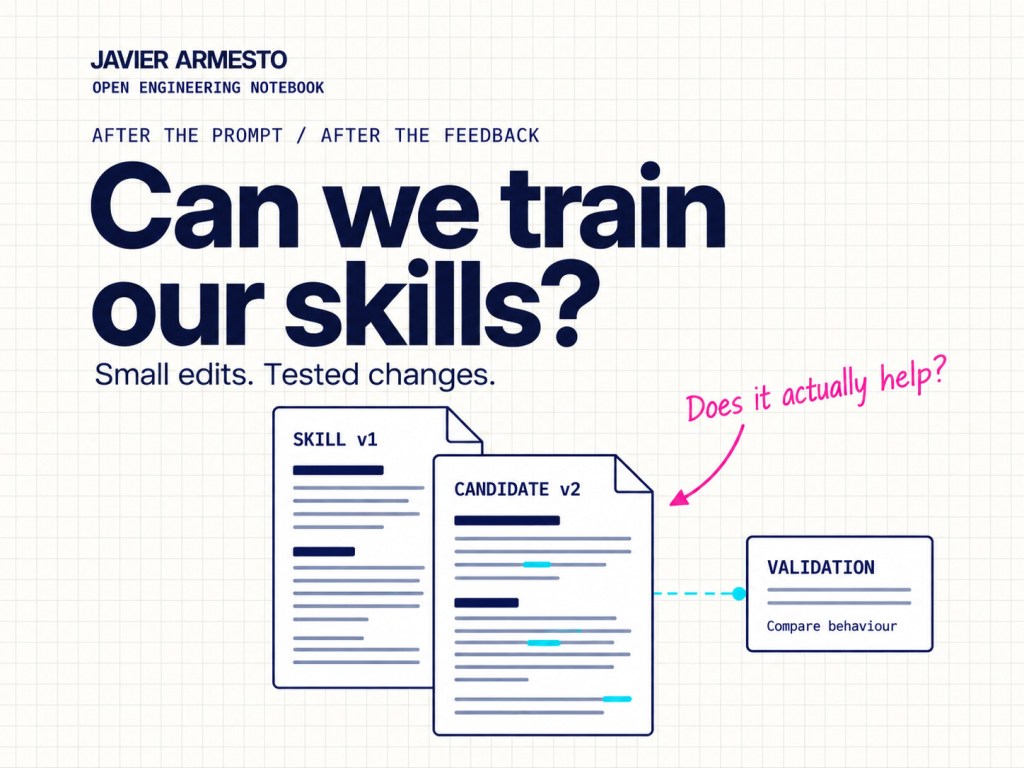
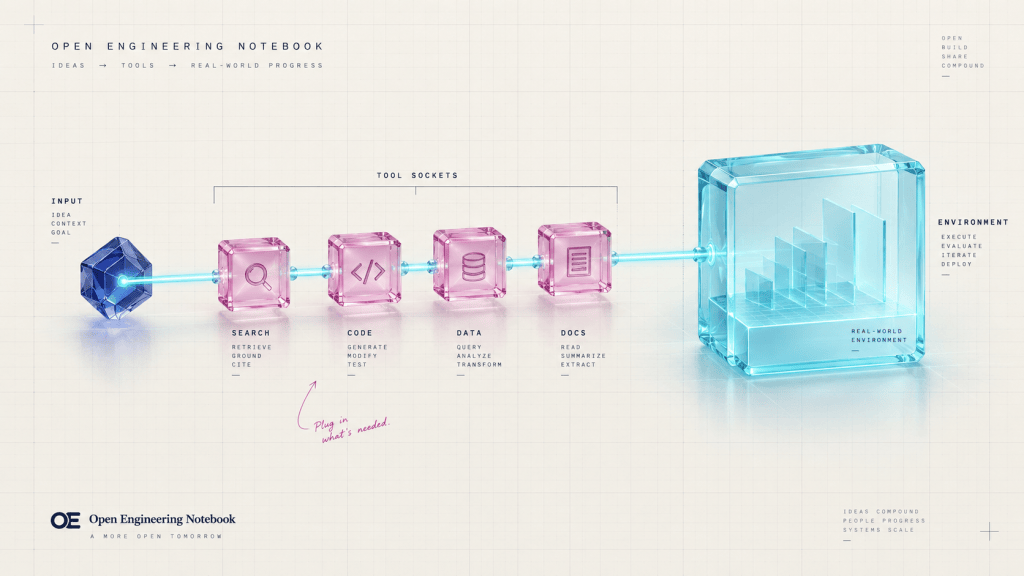
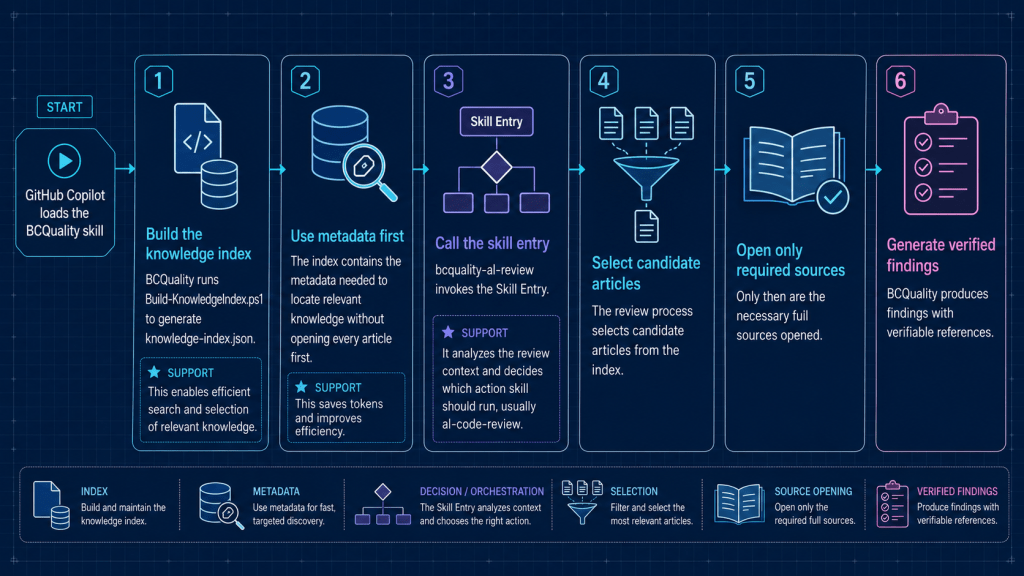
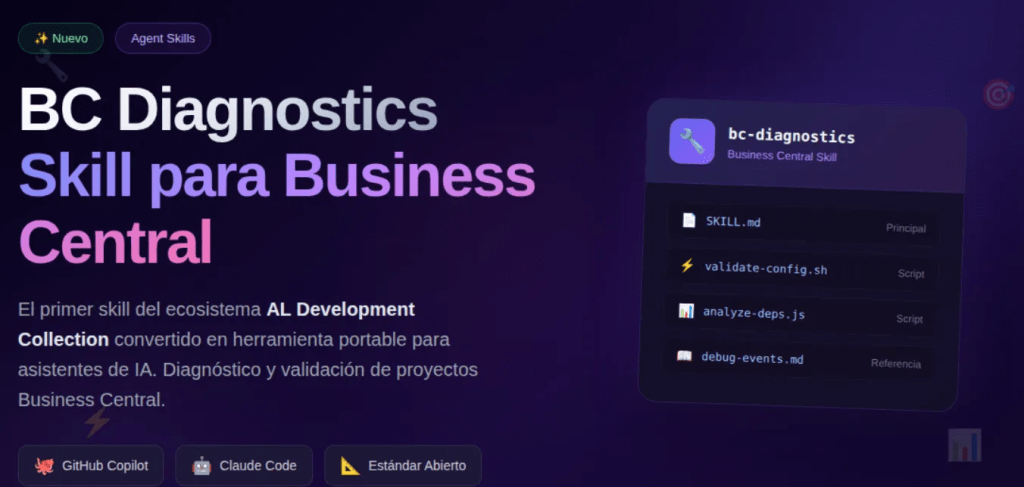
Skills. Modular knowledge packages that are loaded on demand. The framework comes with seven as standard: bug-fixing strategies, debugging techniques, testing patterns, events, performance, APIs and permissions. You can whitelist specific skills per experiment or load them all.
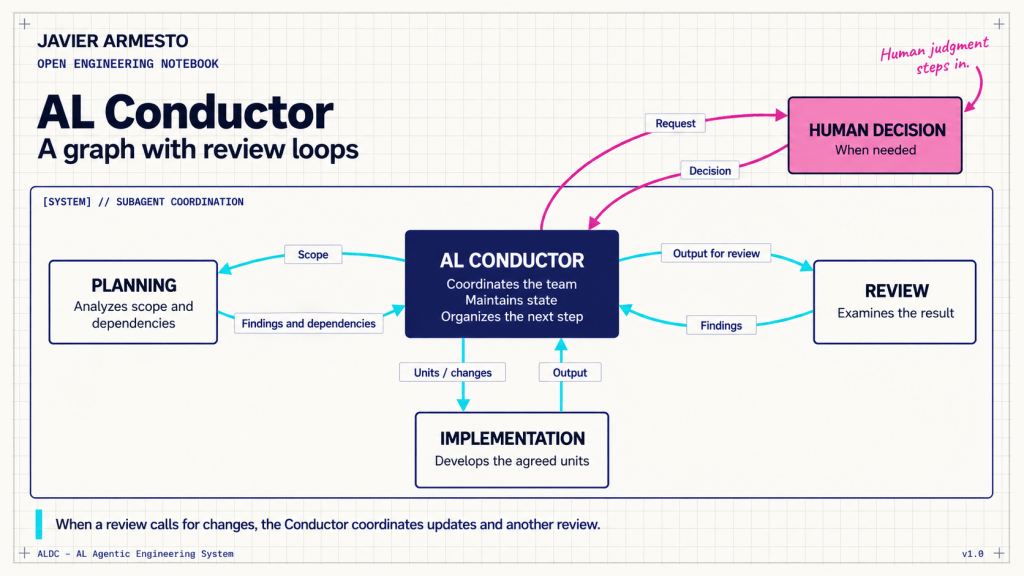
Agents. Custom agent definitions with specific roles, tool access and behavioural constraints. It includes three: a tactical implementer (al-developer-bench), a multi-agent orchestrator with TDD workflow (al-conductor-bench) and a minimalist diagnostic agent (al-bugfix-firstline).
Each lever is activated independently. A single YAML file controls the entire configuration, making experiments reproducible and comparable.
The evaluation infrastructure
Full evaluations require a Windows Server VM with Docker and Hyper-V running BC containers. The framework includes PowerShell scripts that automate the entire setup in two phases: first the Windows features (Hyper-V, containers), then all the tooling (Docker, Python, Node.js, Claude Code, Copilot CLI, BcContainerHelper, AL Tool).
The comparison scripts are where things get interesting.
Run-FullComparison.ps1 runs all scenarios for both agents (Claude Code and Copilot CLI), producing 8 runs per evaluation: 4 configurations × 2 agents. It manages the reuse of containers between evaluations that share the same BC version, pauses between scenarios to avoid API rate limits, and can automatically shut down the VM upon completion to control cloud costs.
The results are stored as JSONL files with full metadata: resolution status, compilation success, token consumption, execution time, number of turns, a breakdown of tool usage, and the exact configuration of the experiment.
What the leaderboard says (and what it doesn’t say)
The current leaderboard shows resolution rates ranging from 40% to 60% depending on the model, agent configuration, and whether custom instructions and skills are enabled. The difference between the baseline and configured agents is consistent and measurable: typically between 10 and 18 percentage points.
What the numbers don’t tell you is whether those configurations would help with your specific codebase, your team’s patterns, or your particular version of BC. BC-Bench evaluates against the public BCApps repository. Your results will vary, and that is precisely the point: fork, adapt and build your own evidence.
Where this is heading
BC-Bench is at version 0.4.0 with strict semantic versioning: results from different versions cannot be aggregated, ensuring that the leaderboard always compares equivalent conditions.
For teams building custom agents, specialised skills or prompt engineering strategies for BC development, this framework provides something that didn’t exist before: ground truth. Not “it seems to work better to me” but “it resolves 12 more bugs out of 101, using 15% fewer tokens, in configurations we can reproduce.”
That is the kind of evidence that turns experimentation into engineering.
📚 References
BC-Bench repository (GitHub) — MIT Licence
SWE-Bench — The original software engineering benchmark that inspired BC-Bench

























Deja una respuesta