For those who are not familiar with BCQuality, let me give you a short introduction. I also recommend reading some very interesting posts, such as Why We Built BCQuality: Closing the Gap Between What Agents Know and What BC Developers Learn, written by Jeremy Vyska, who is one of the main people behind the project together with Jesper Schulz-Wedde.
Here is the short version: BCQuality is a source of truth for reviewing the quality of the code generated by your agent, or even your own code. The concept behind it is actually a remedial knowledge base. But, in practical terms, its goal is simple: reviewing your AL code and helping you make it, let’s say, correct.
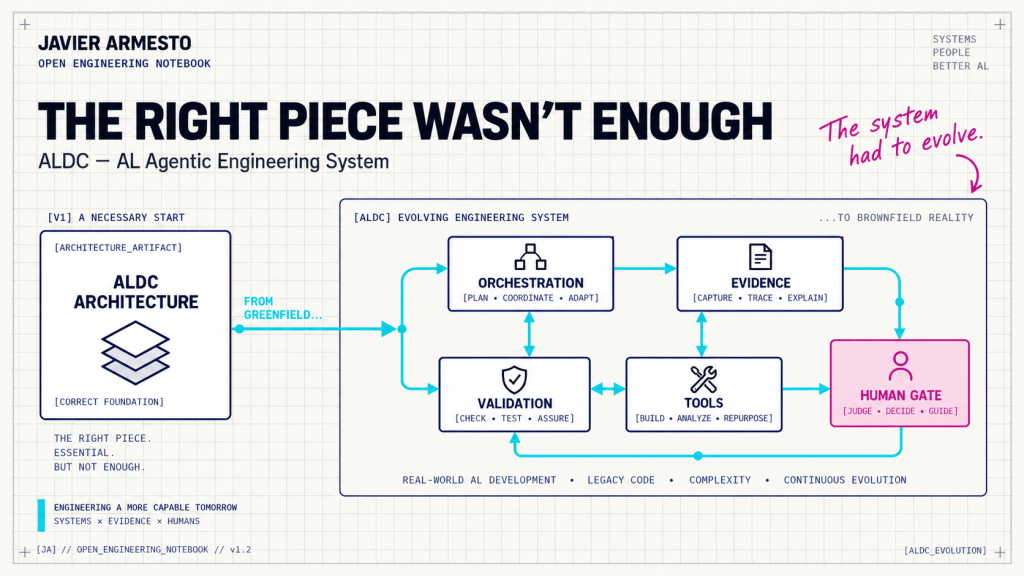
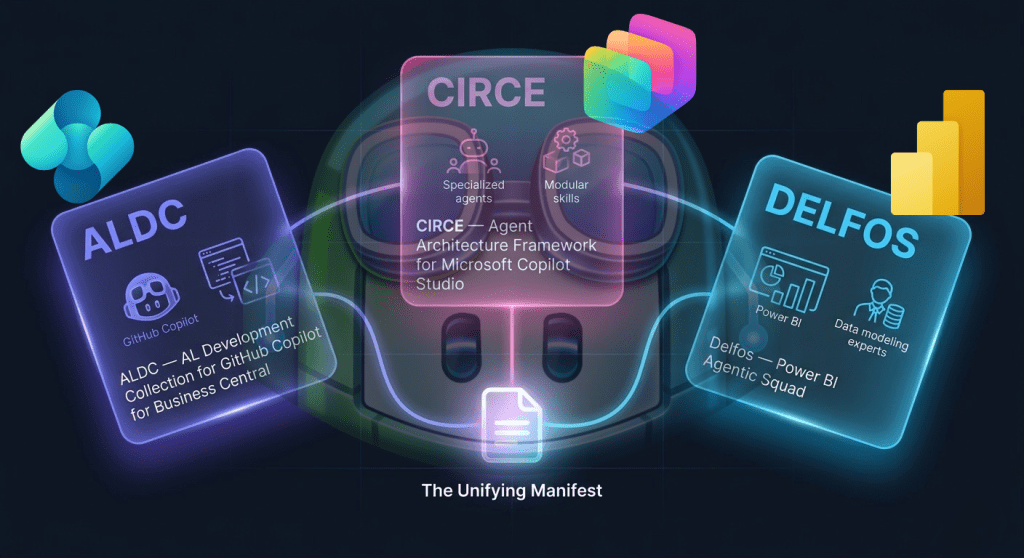
For the last few days, BCQuality has also been available as a plugin. This means that it provides the primitives our agents need to access and use its capabilities. Whether they understand and use them correctly is another story, and it depends on several factors. But that is exactly why we have ALDC.

The plugin, currently at version 0.1.0, exposes one public Agent Skill: bcquality-al-review.
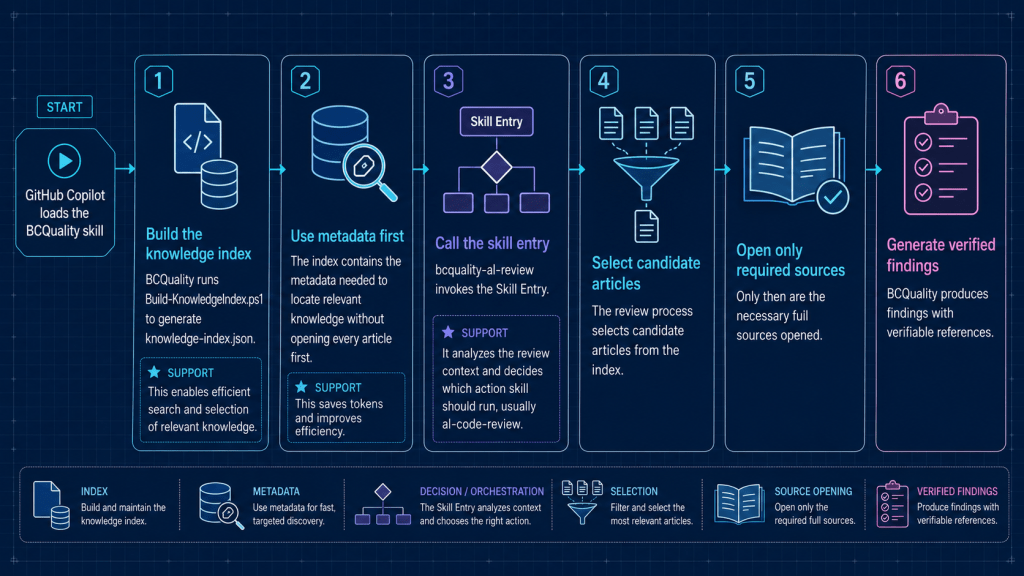
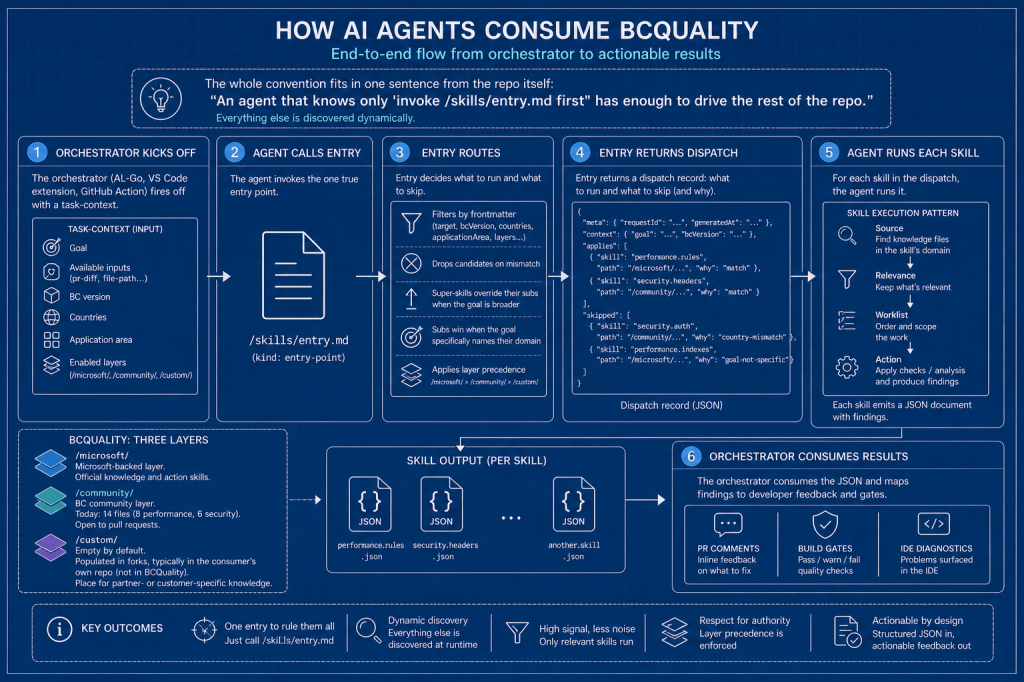
When GitHub Copilot loads this skill, the flow works as follows.
- First, BCQuality generates
knowledge-index.jsonusingBuild-KnowledgeIndex.ps1. I think this is a great idea because we need to be efficient when searching for and selecting relevant knowledge. - The index contains the metadata required to find relevant knowledge without opening every article from the beginning. This saves tokens, which is always appreciated.
- At this point,
bcquality-al-reviewcalls the entry skill. This skill analyses the review context and decides which action skill should be executed, usuallyal-code-review. - The review then selects the candidate articles from the index.
- Only at that point does it fully open the required sources and generate findings with verifiable references.
It is important to understand that the index does not replace the knowledge itself. So, what does it do? It creates a knowledge access layer that can be used by the harness and the skill.
In my tests, it currently loads around 250 documents, depending on the BCQuality layers that are enabled. I enabled all three layers: Microsoft, Community and Custom. I am exploring this option as a third review mode for ALDC:
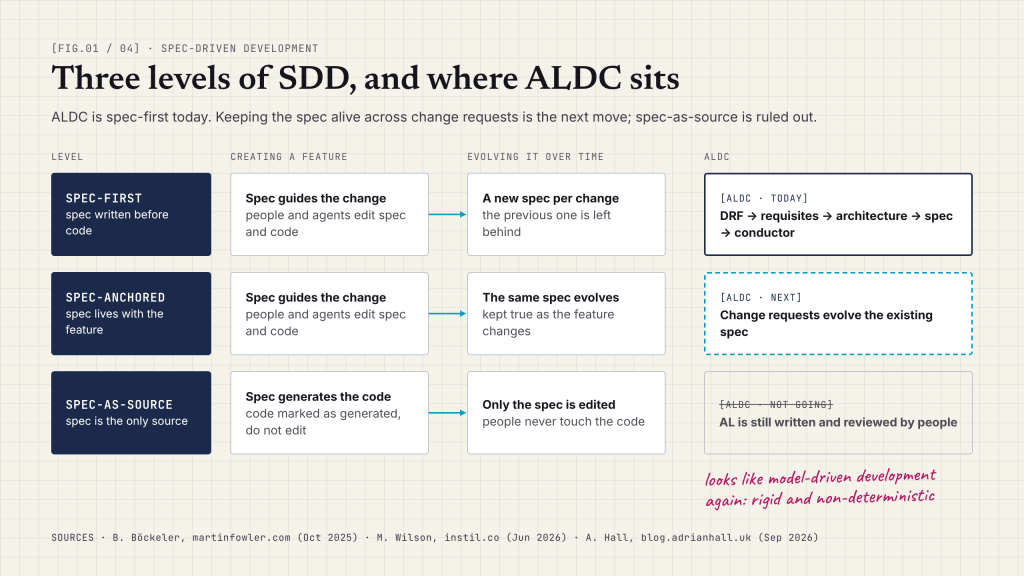
- Native review using ALDC’s own Agent Skills: the original option, and still fully valid.
- BCQuality through a multi-root workspace: slightly more complex, but efficient.
- BCQuality installed as a plugin: planned for the next ALDC version.
The plugin option looks especially clean to me. BCQuality maintains its own knowledge, index and protocol, while ALDC consumes one public capability without becoming coupled to its internal structure.
Do I still have some questions? Yes, especially about how updates will work. For example, in Claude Code we can update plugins on demand.
The first tests have already managed to load bcquality-al-review from an ALDC agent, run it and apply its review capabilities to an AL file.

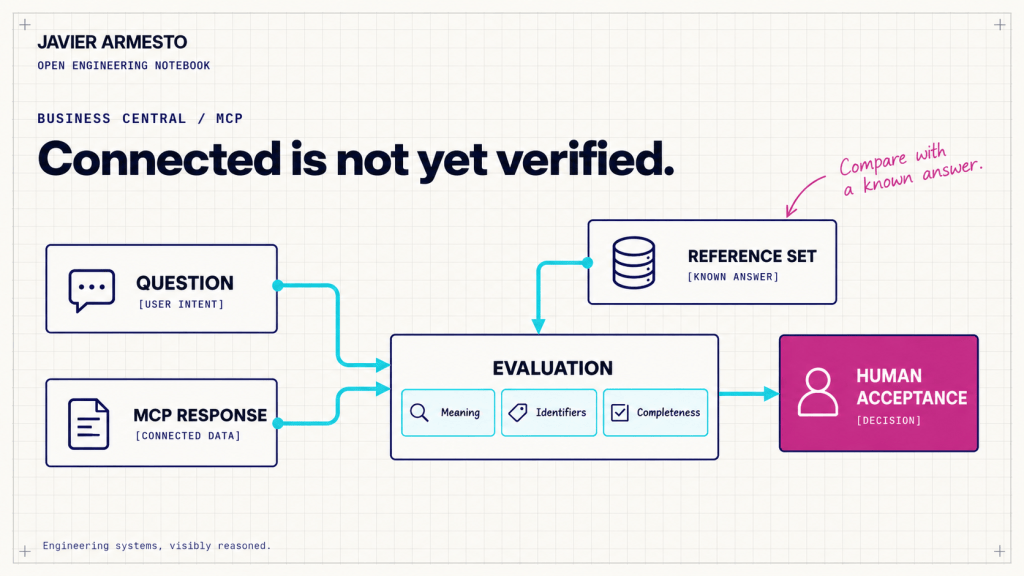
The integration looks viable. The next step is to compare the three review modes using the same test cases and measure accuracy, traceability and context cost.
Useful links:
microsoft/BCQuality: Quality skills and knowledge for Business Central development. The shared bar for humans and agents alike.- Why We Built BCQuality: Closing the Gap Between What Agents Know and What BC Developers Learn
- BCQuality: An Agentic Vision for AL Development – Tech Sphere Dynamics
- ALDC (AL Development Collection) transforms how you develop Business Central extensions with GitHub Copilot and Claude Code. Instead of ad-hoc code generation, ALDC provides structured, contract-driven development with human-in-the-loop gates.























Deja una respuesta