Have you ever asked an agent for what seemed like a clear change, only to discover during review that it made a decision nobody had discussed? It could be where to store a value, which event to use or how far a validation should go. The code may look reasonable, but you have to go back and clarify the requirement. It is an easy situation to recognise when working with AI, and it helps explain why I give so much attention in ALDC to preparing the work and reviewing decisions before implementation.
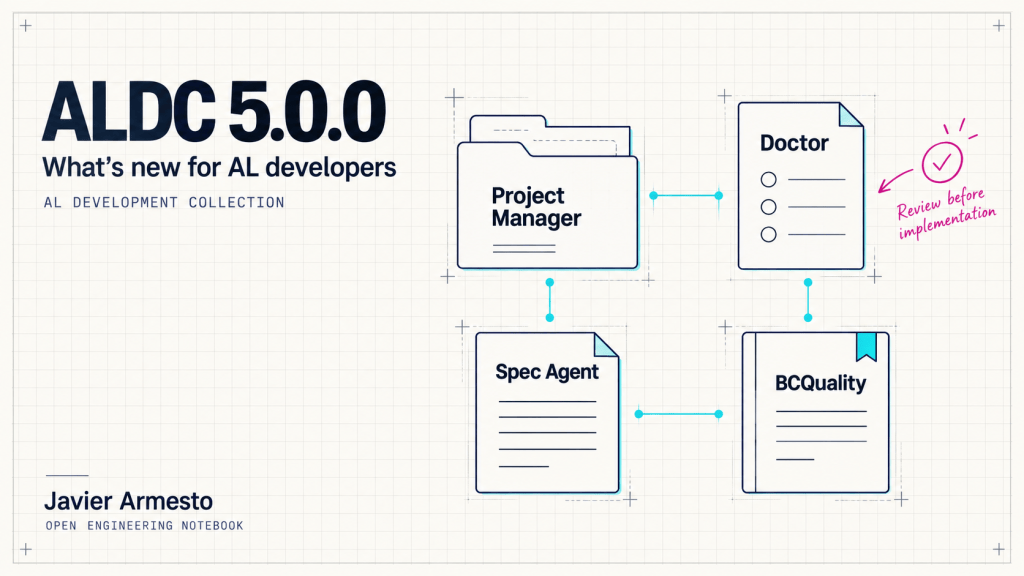
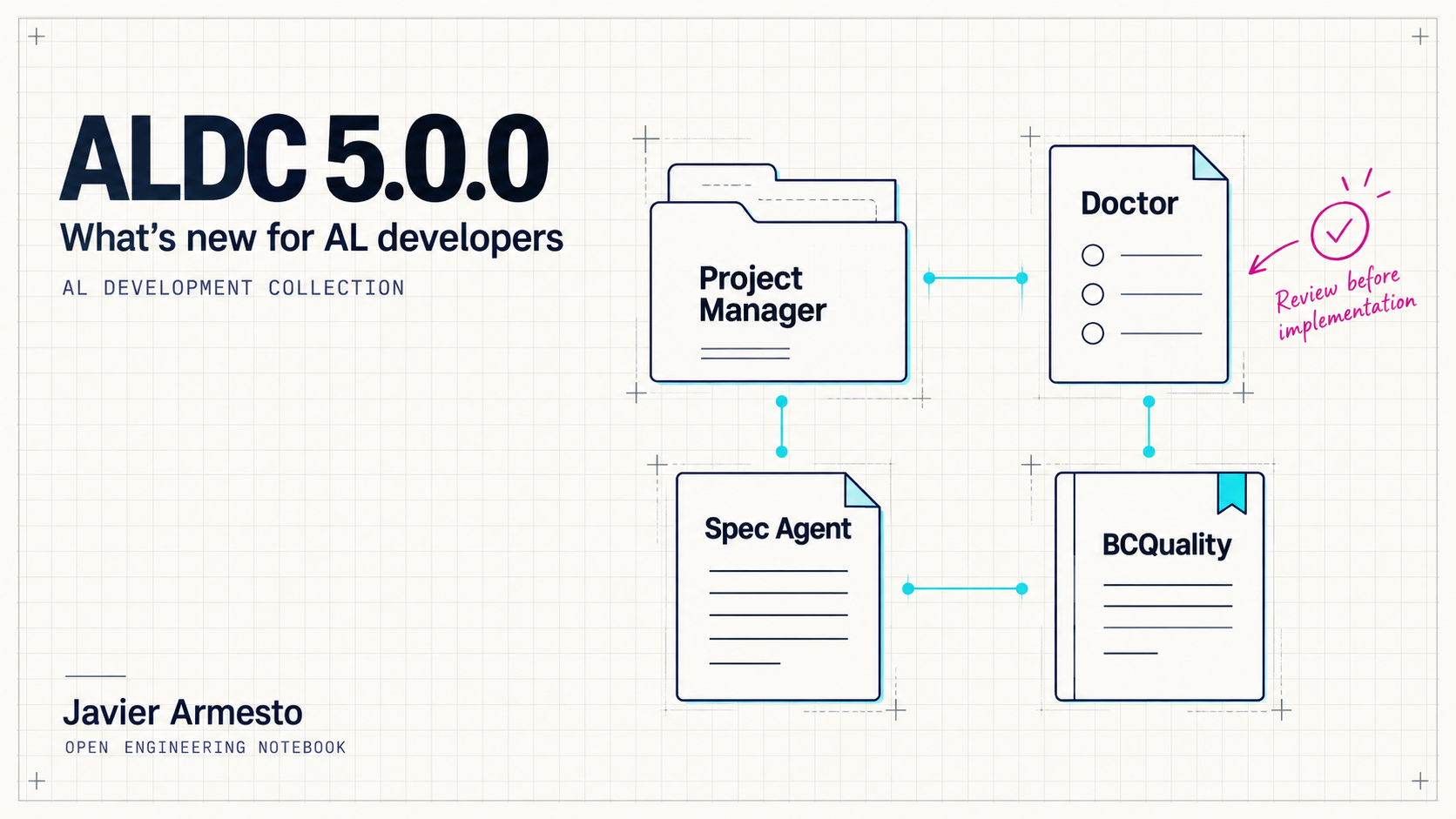
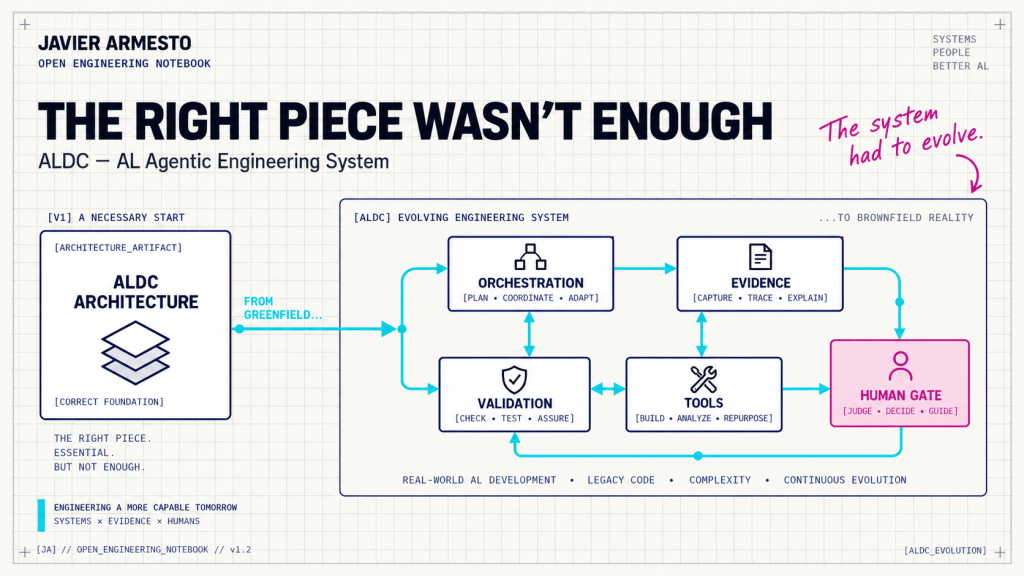
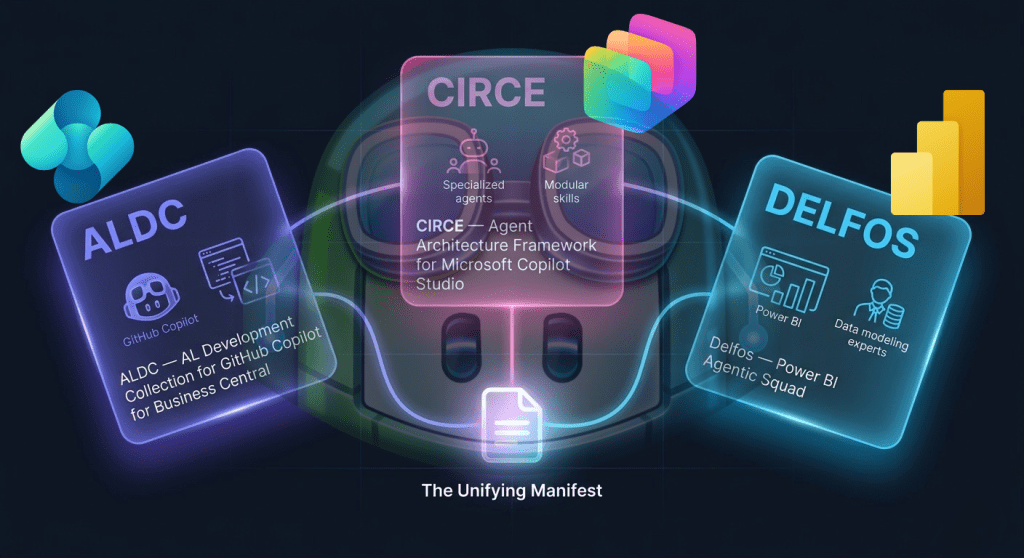
ALDC 5.0.0 brings changes to that preparation and to the way we manage and follow the project. There is a more visual interface in VS Code, a dedicated specification agent, BCQuality knowledge available during design, and improvements to installation and adapters for different environments. I have been working on ALDC for more than a year as a community initiative for Business Central developers, and I am happy to share this version. Today I want to explain what has changed and why it is useful. Step-by-step examples will follow.
ALDC 5.0.0 release and download
More visible from VS Code
The first visible addition is Project Manager, a panel for checking the toolkit and installing, updating, verifying or restoring it. It shows a preview before applying changes and makes conflicts with customised files visible. If you have already adapted ALDC to your project, knowing what will be replaced is an important part of an update. The extension and the toolkit installed in the project are separate parts, so it is worth checking both when you change versions.
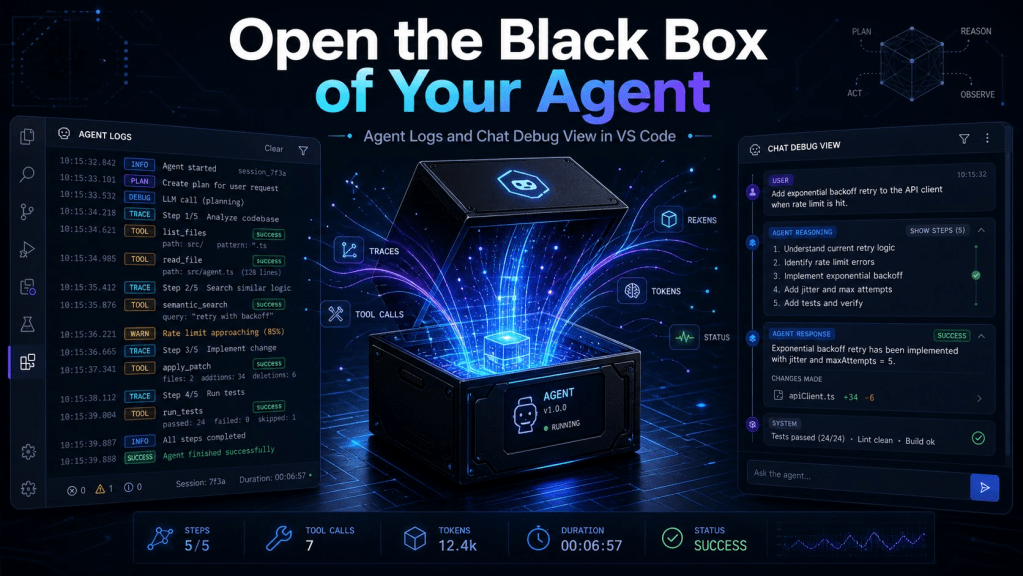
The Viewer helps with another everyday task: finding the documents for a requirement. Architecture, specifications and reports are grouped so you can open them without searching through every folder. Doctor also has a visual report, with separate diagnoses for specification, application compilation, test compilation and test execution. This distinction helps avoid treating the whole environment as ready because part of the configuration is present. We may have enough context to design a solution while still missing symbols, tools or access needed for another operation. The report distinguishes configuration from runtime observations; Doctor does not compile or run tests itself.
Architect and Spec Agent share the preparation work
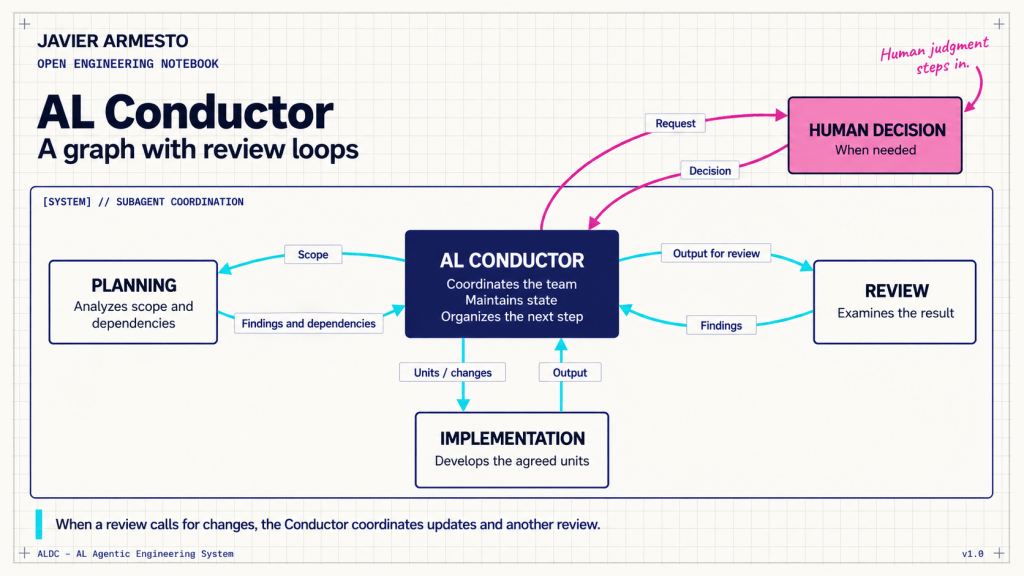
The new Spec Agent has a specific responsibility: develop the specification for its assigned unit, including contracts and acceptance criteria. Architect keeps the overall view of the requirement and defines how to divide it, the boundaries of each unit and their dependencies. This gives the design a common reference and keeps the level of detail appropriate to the complexity of the work. Before implementation, the specifications must fit together and reflect the decisions we have approved. The agent can help write them, but approval remains with us.
There is a useful distinction here: dependencies for writing specifications are not always the same as dependencies for implementation. Imagine a customer policy for external references and a check of that policy when releasing sales orders. Once the shared contract is agreed, both specifications could be written at the same time, although implementing the check may still require the customer capability first. This example explains the division of work; it is not evidence of a performance improvement. Parallel work depends on stable contracts, avoiding conflicting writes and a host that supports concurrency.
Architecture and specification changes in 5.0.0
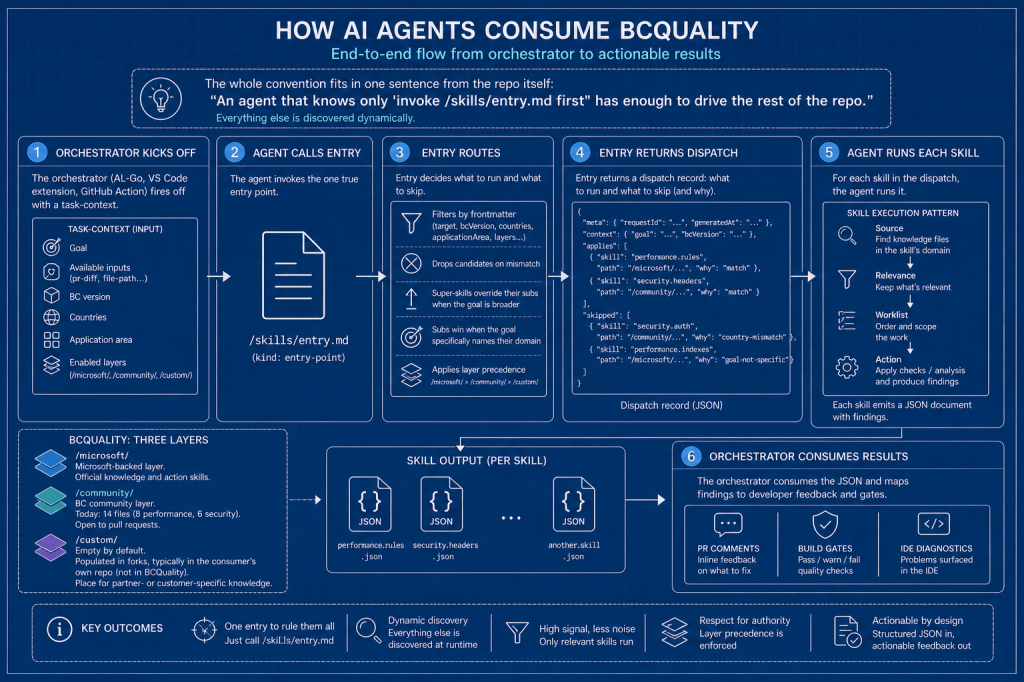
BCQuality can help before the code exists
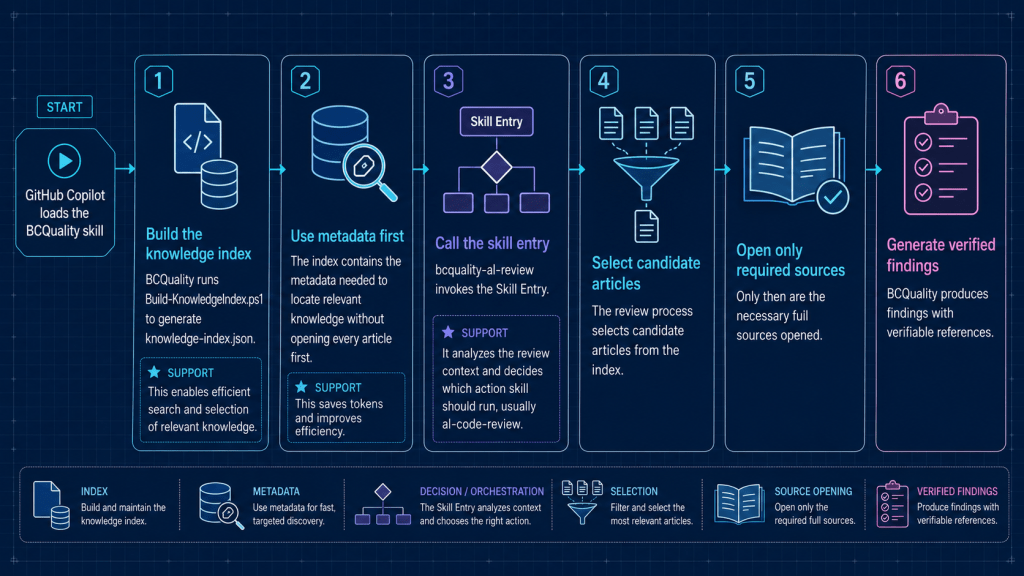
How often has a review pointed out a rule that would have been useful during design? In 5.0.0, Architect and Spec Agent can consult BCQuality knowledge as context during those phases. The architecture records relevant constraints and, when a decision departs from a rule, records the reason for human review. The specification declares which criteria will be checked and where they come from. This lets us discuss those conditions while we are still defining the solution, with the references available.
The review report can then state whether each criterion was met, unmet or not evaluated. I find this continuity useful because it connects what we agreed with what was actually reviewed. We need to distinguish the operations: reading BCQuality knowledge during design is not the same as running its review. The integration is optional, and a configured provider does not prove that it was loaded or used. ALDC distinguishes these states and should show which coverage comes from provider results, which native checks were completed and what remains pending.
BCQuality integration and evidence
Clearer scope for reviews and updates
Developer Reviewer adds an independent review path for direct increments, while Dredd keeps its advisory audit role. To interpret a report, we need to know which files and criteria it covered, especially when the review is incomplete. Installation also has improvements: previews, conflict detection, records of managed files and recovery of the previous operation. Recovery checks for later edits and can stop to protect them. If you have customised instructions or configuration, you will understand why this part deserves attention even if it is less visible than the new interface.
Different environments and what to check before upgrading
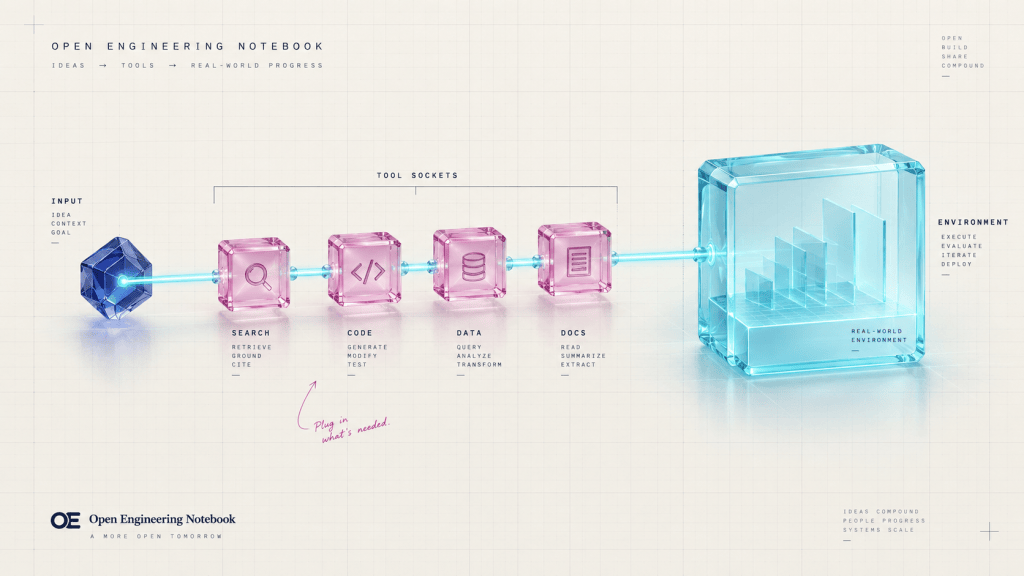
The release includes adapters for Claude Code, Copilot CLI and Codex, alongside GitHub Copilot Chat in VS Code. They share role and workflow contracts, with paths, instructions and tools adapted to each environment. Their execution capabilities are not identical: every host has its own tools and requirements. In Copilot Chat, BC28 remains the default profile and bc29-native is an option. Selecting that profile guides ALDC, but it does not update Business Central, AL Language or the AL extension manifests.
The move to 5.0.0 includes breaking changes to the Claude Code plugin layout and plan folders. The default paths are .claude/plans for Claude, .agents/plans for Codex and .github/plans for Copilot; aldc.yaml can declare the paths that a project needs to preserve. The notes also ask Claude Code users to run /aldc:al-initialize again after upgrading. I recommend reading the release notes before installation, especially if you already use ALDC. The GitHub release includes the VSIX; availability through other channels should be checked separately.
Installation, upgrade and recovery guidance
Next, I will show these additions with a small requirement, starting with project setup and understanding the Doctor report. Before those practical guides, I would like to hear about your experience: when using agents for AL development, where do you find the most difficulty, preparing the environment, defining what to build or reviewing the result? Those difficulties are a useful way to decide what needs a more detailed explanation.



























Deja un comentario