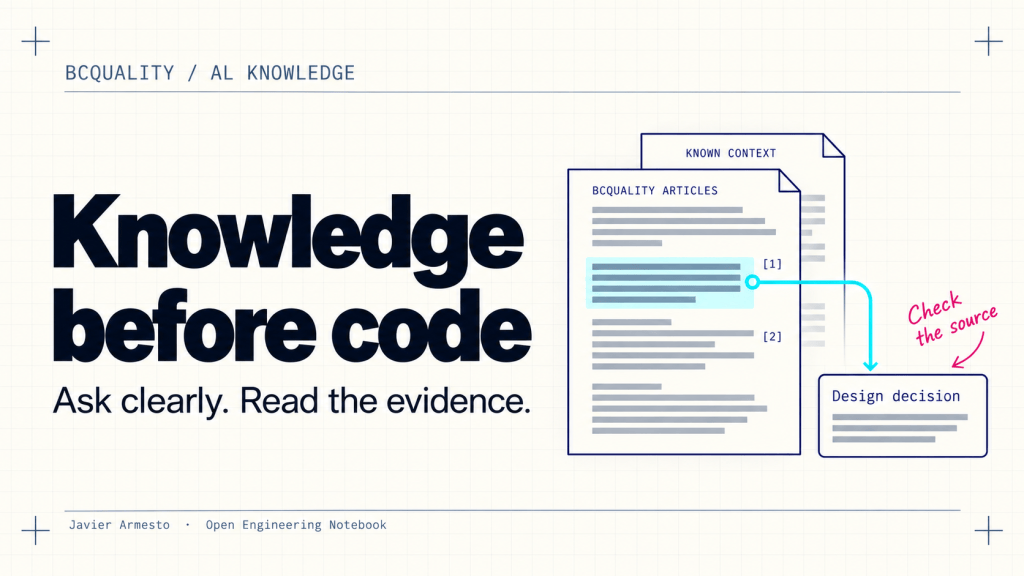
Before an agent writes AL code, it may already have made an important decision: which event to use, how to read records or where a validation belongs. I want to be able to inspect the knowledge behind that decision while the design is still easy to change.
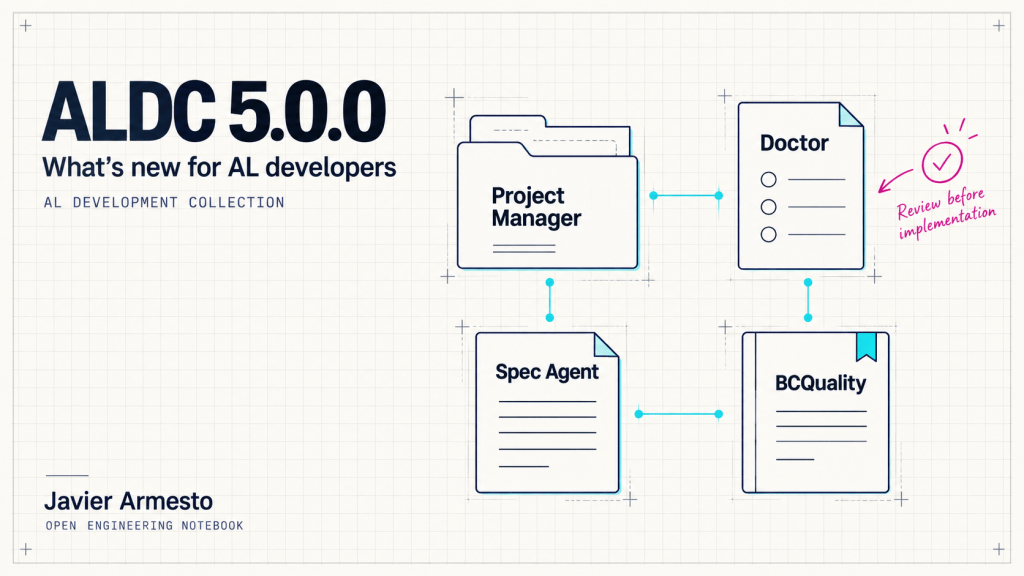
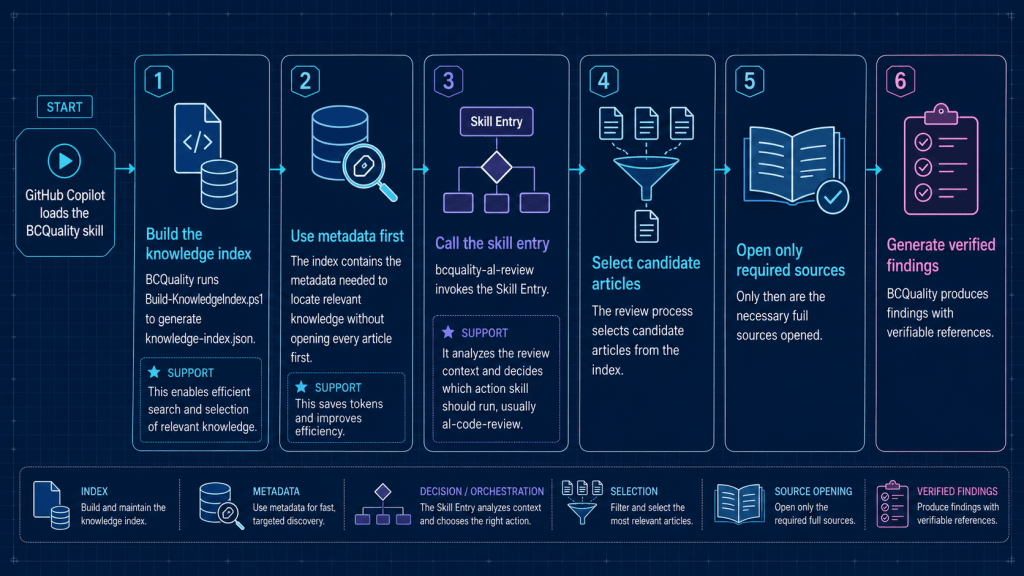
That is why I contributed al-knowledge to BCQuality. It answers focused Business Central development questions using the installed knowledge articles and returns the references behind its answer. You can use it before an app, a file or a diff exists.
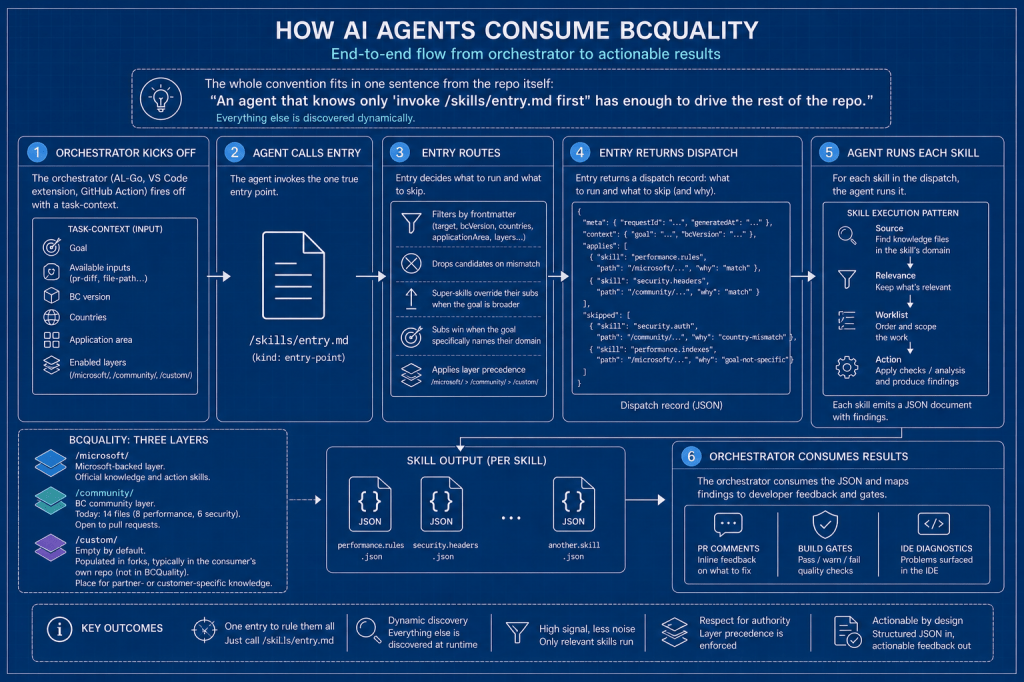
BCQuality is an open-source project led by Jesper Schulz-Wedde. It supplies reusable skills and knowledge; your host supplies the agent. The consultation workflow is independent of ALDC and can be followed by any host that can read and execute its protocol.
Start with one real question
A useful first request is narrow enough to check. For example:
Use the installed al-knowledge skill to explain when SetLoadFields is usefulin Business Central AL and which exceptions I should consider.Known context: Business Central 28; technology AL.Cite only articles read in full. Do not review my app.Return the knowledge-response JSON unchanged.
Replace the example context with your actual target. Asking for every performance best practice creates a much wider task; asking about a concrete record-access pattern gives the agent something specific to investigate. Keep relevant conditions in the question and preserve its wording when another agent passes it on.
The response is guidance for a decision. When you have an implementation to assess, use al-code-review. The preview al-plan-guidance addresses an existing development plan. These are different tasks.
Check that your host can actually use the skill
In Copilot CLI, the repository documents this installation route:
copilot plugin install microsoft/BCQualitycopilot plugin list
Start a new Copilot CLI session and use /skills list to confirm that al-knowledge is available. Installing a plugin in Copilot CLI does not automatically install it in the VS Code Copilot Chat panel. Use the installation and discovery mechanism for the host where you intend to work.
For another integration, the agent needs access to the skill entry point, the routing and reading contracts, the response schema and the enabled articles. A dedicated skill-invocation tool is not essential: a host can execute the protocol inline. Merely opening the skill file is not a completed consultation.
Give the context you know
The target Business Central version, technologies, countries and application area help determine which articles apply. Pass these details when known. Do not fill gaps with plausible guesses. Your extension’s app.json version is not the target Business Central version.
When missing context affects applicability, the response can mark a reference as conditional and identify the unknown dimension. Keep that qualification alongside the recommendation when you use it in a specification.
Follow the citation back to the article
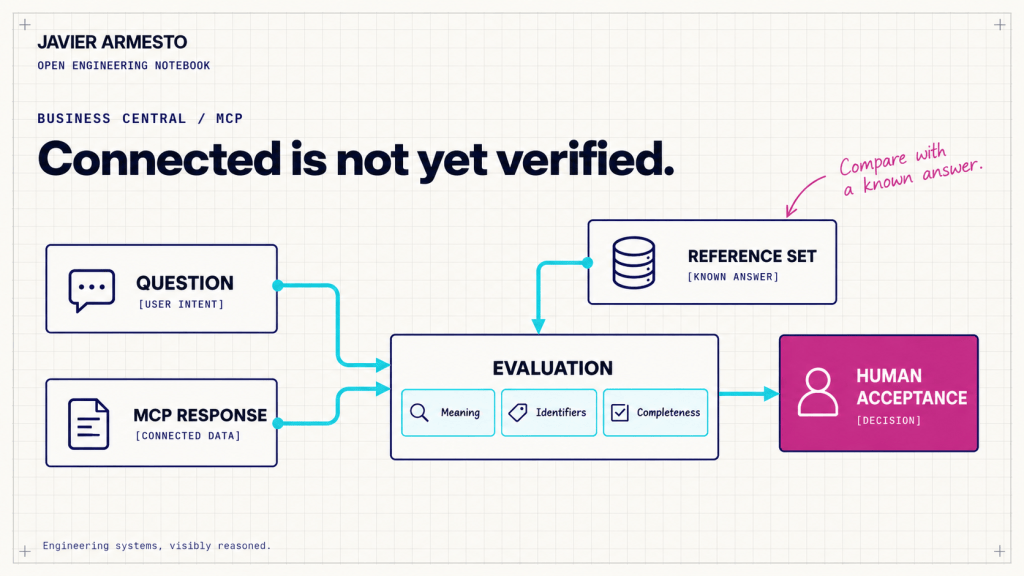
The index helps the agent discover candidate articles. Supporting evidence comes from reading their complete contents. Check that references point to exact paths in the installed corpus and that the agent read the full articles during the current consultation. A matching title or a filename in a tool result is insufficient.
Then open the cited guidance yourself and check the interpretation. Does it address your question? Do its version or localization conditions fit? Do the examples cover the operation you intend to perform? Nearby .good.al and .bad.al files illustrate guidance; they still need assessment before use in your application.
BCQuality combines Microsoft, Community and Custom knowledge. Layer precedence resolves directly contradictory guidance where applicability overlaps. A matching filename alone does not justify discarding another article. For integrations that configure layers, the response also records suppressed guidance.
Read the outcome before using the answer
The knowledge action distinguishes four outcomes:
| Outcome | How to read it |
|---|---|
completed | A useful answer with supporting references that meet the contract. |
partial | Only part of the question is answered; inspect the stated limitation. |
no-knowledge | No applicable article answers the question. References are empty. |
failed | No reliable result was produced. References are empty. |
The routing layer has separate dispatch states. A routed result says that an action was selected; it does not establish that the action ran. Likewise, valid JSON establishes the response’s structure, not the correctness of its advice.
If the corpus cannot answer, the agent must leave the gap visible. General model knowledge cannot be presented as cited BCQuality guidance. A no-knowledge result gives the community a concrete candidate for its next article.
Know what validation proves
An inline agent checks its own reads. That is self-attestation. Independent citation checking requires a trusted consumer-side record of successful reads from the same run. BCQuality provides an optional Python validator for the response schema, exact question and complete-read evidence against the live files.
The validator is an integration option, not a prerequisite for every consultation. Passing its checks still does not prove that each sentence correctly interprets an article. Preserve the original response and record validation failures separately instead of silently repairing the answer.
Keep the evidence with the design
Save the question, known context, original response and corpus revision beside the decision they inform. Check the files your host actually loaded: a plugin version label alone does not identify the exact knowledge snapshot. When possible, record the observed repository commit.
The guidance described here was checked against the repository on 31 October 2026. Because the project is evolving, use the current installation guide and confirm skill discovery before relying on the example.
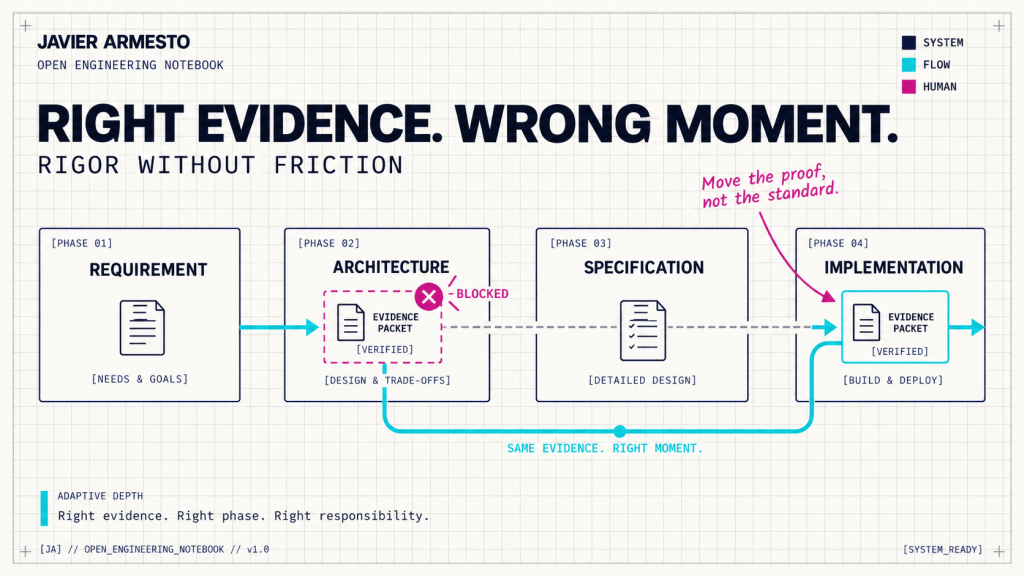
When the target version, localization or source article changes, revisit the recommendation. Once implementation begins, carry the decision into code review and verify the result with the compiler, analyzers and executed tests.
This is the habit I want to make easier: ask a precise question before coding, inspect the supporting article and keep the evidence with the decision.
References
BCQuality repository and installation guide
al-knowledge skill entry point






















Deja una respuesta