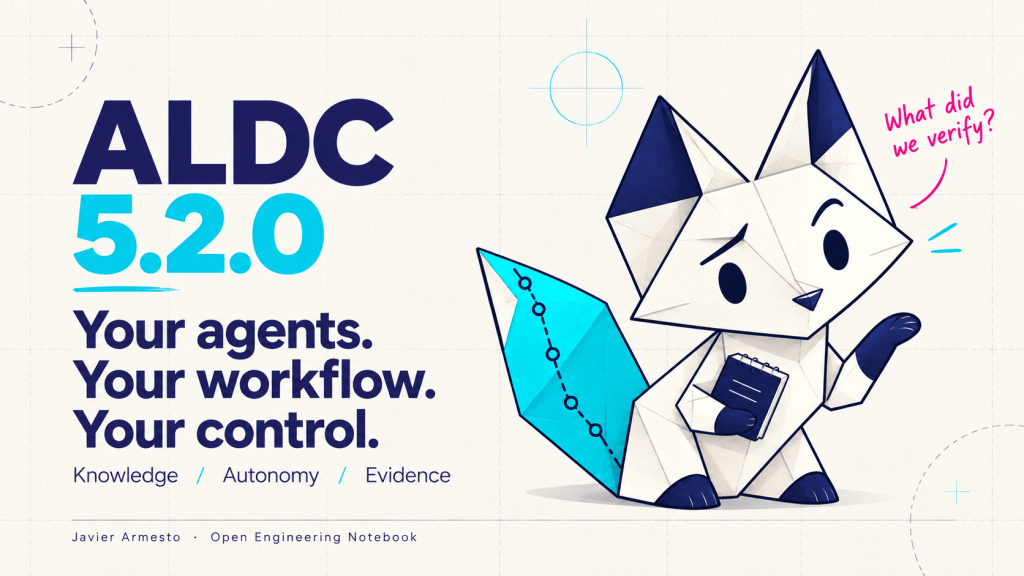
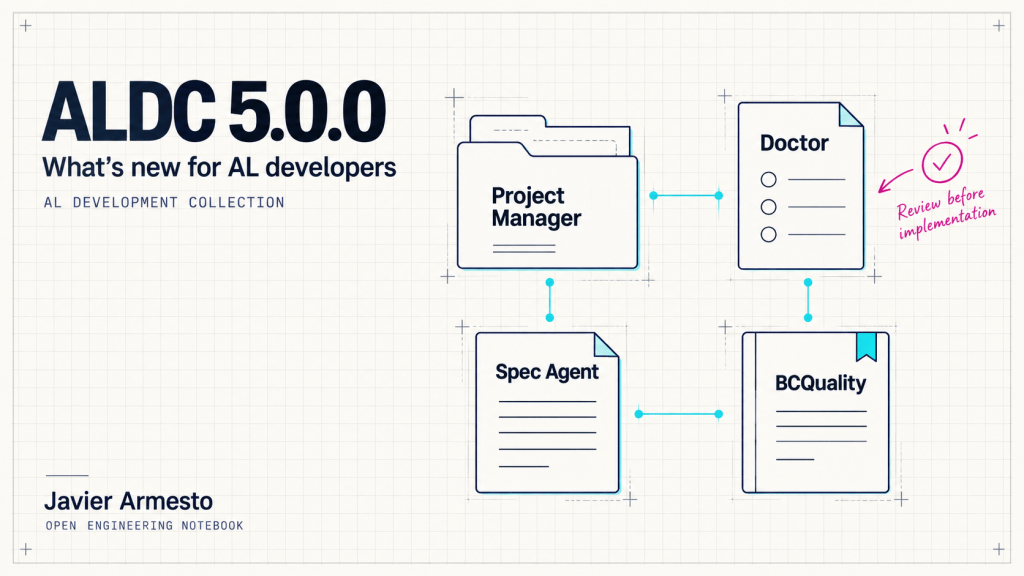
During Directions EMEA in Paris, the use of ALDC Project Manager as a configurator and preflight received a very positive response. That was one of the most useful takeaways for me: before starting an agent workflow, people wanted a clear place to configure their project and understand what was ready.
Project Manager brings installation, BCQuality configuration and workflow autonomy into one panel. With Context Doctor, it also helps inspect the selected solution and the evidence available for the next operation. I use “preflight” for that preparation step: checking the project before asking an agent to work.
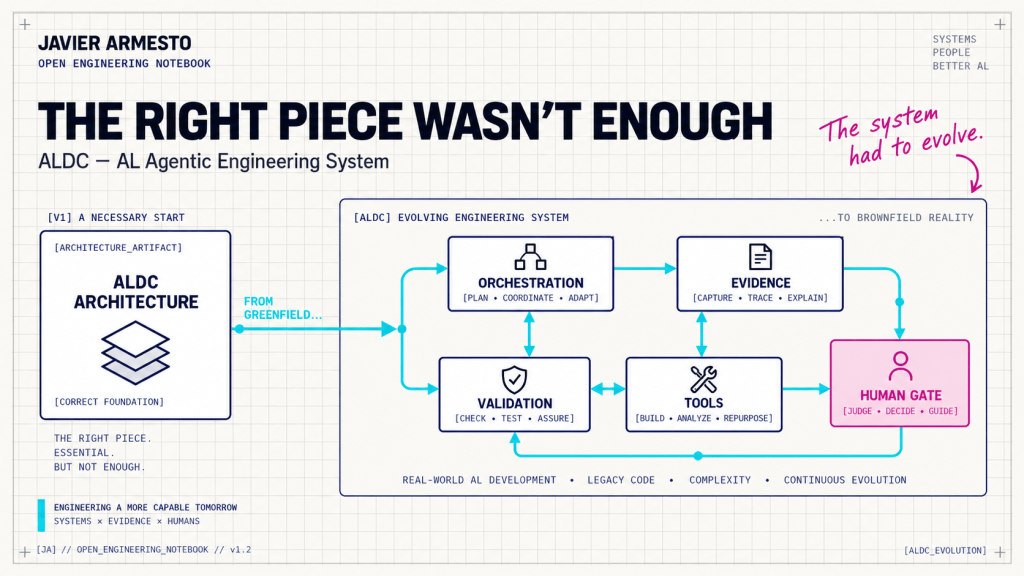
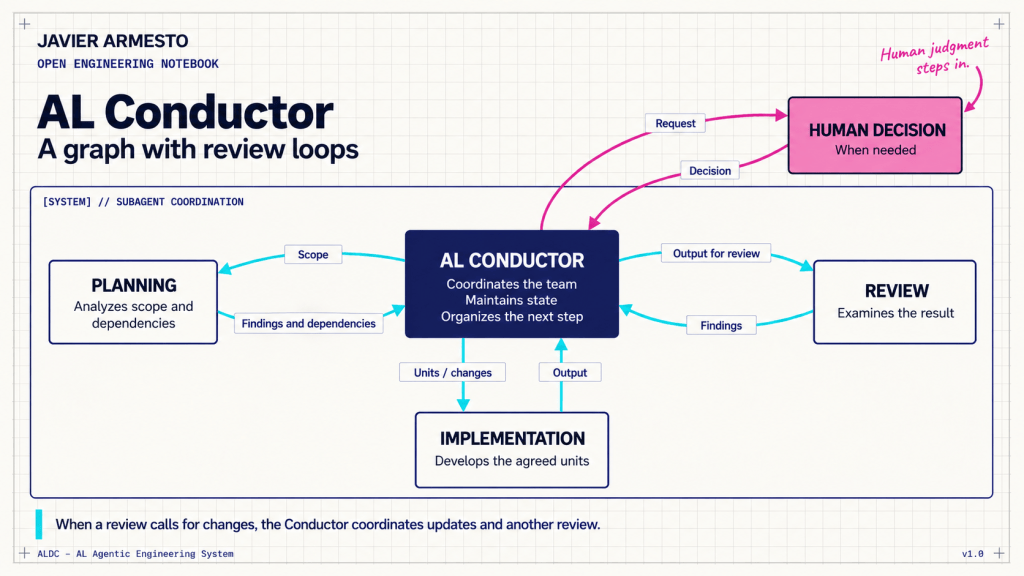
ALDC — AL Agentic Engineering System — keeps the distinction between configuration and execution visible. A selected profile does not prove that its tools are available, and a successful installation check does not mean that the application compiled or its tests ran. The capabilities below describe the 5.2.0 extension and toolkit, checked against the current sources on 31 October 2026.
Use Project Manager as a preflight
Open AL Collection: Open Project Manager and select the intended solution. Review the installed toolkit, its profile and any retained customizations. Configure BCQuality and the Conductor’s autonomy mode, then run AL Collection: Run Doctor to inspect the solution’s configuration and recorded observations.
Doctor separates readiness and evidence for specification work, App compilation, Test compilation and test execution. It reads the solution and its observations; it does not compile the app, execute tests, load a plugin or generate the BCQuality index. An unknown or unverified state tells you what still needs checking.
That boundary matters in a workshop and in a real project. Preflight gives you a place to spot missing configuration and inspect what has been observed. The next step is to run the relevant tools and collect their actual results.
A community milestone worth acknowledging
On 21 October 2026, the Visual Studio Marketplace listing showed 1,102 installs of AL Development Collection. Seeing a project I continue to build and share reach this point means a great deal to me. Thank you to everyone trying it, asking questions and suggesting improvements. This is the Marketplace installation counter; it should not be read as a count of unique or active developers.
Choose how BCQuality fits your solution
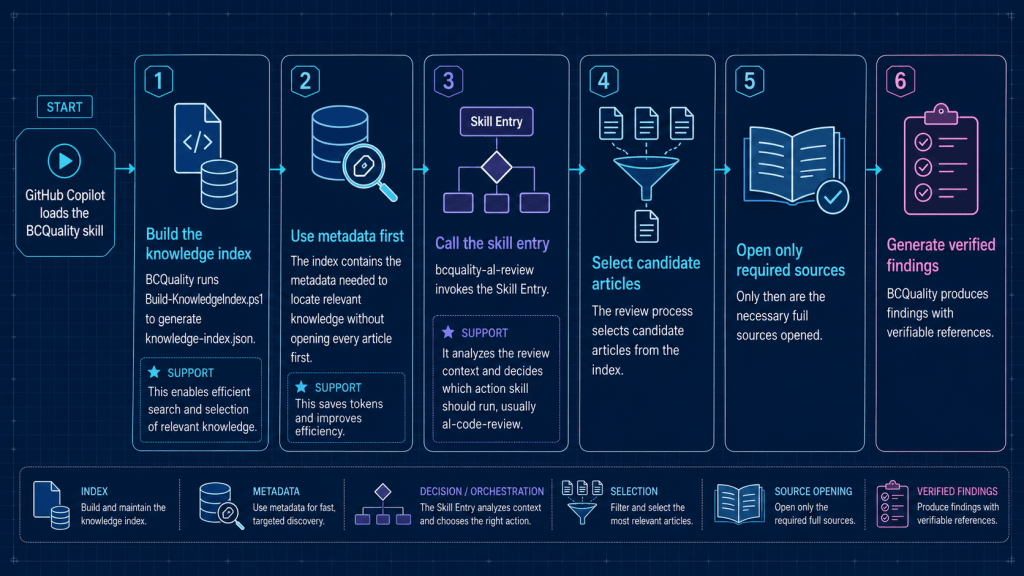
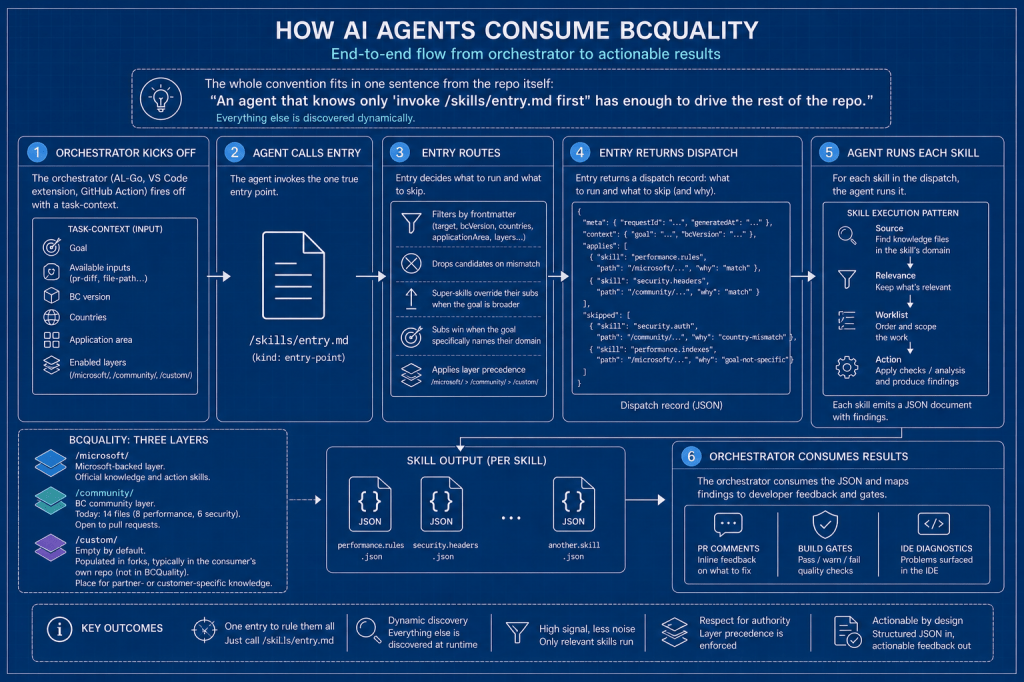
New Copilot Chat installations now prefer BCQuality plugin mode. In Project Manager, you can choose Plugin, External knowledge folder or Disabled and confirm the selection with Change mode. Existing projects retain their selected integration during updates, so adopting the new release does not automatically switch an external-folder setup to the plugin.
In plugin mode, Install BCQuality plugin copies the official repository URL and opens the native source installer. Paste the URL and follow the host’s trust prompt. Manage plugins opens the inventory; where the native command is unavailable, the installation guide is offered instead. BCQuality remains a separately installed dependency, and the commands available depend on your VS Code build.
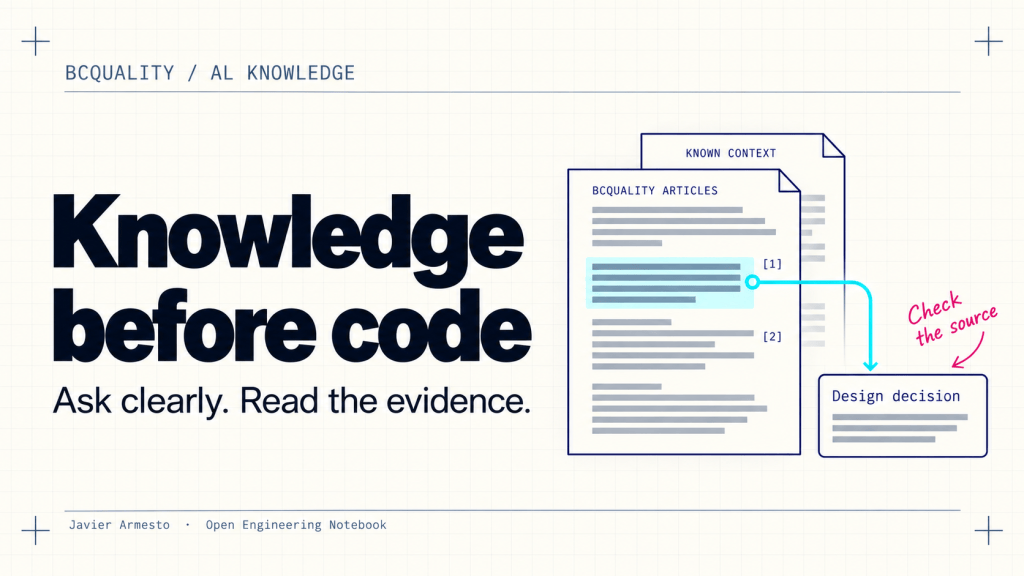
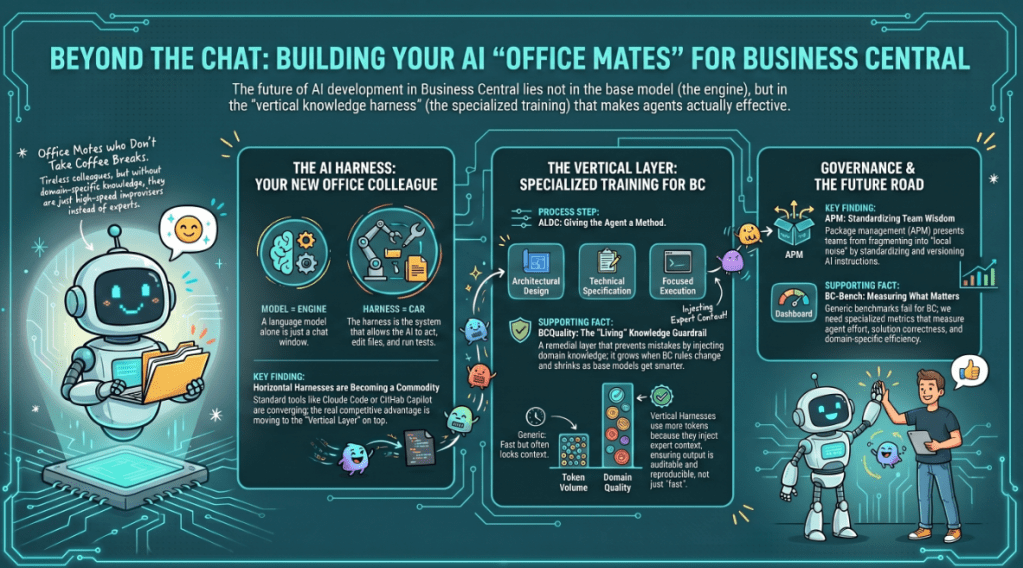
The distinction between configuration and execution matters here. Selecting plugin mode does not prove that the host discovered or loaded the plugin. ALDC also expects design roles to consult the relevant knowledge before deciding and cite the articles that informed those decisions. The earlier 5.0.3 work required complete article bodies and actual consultation evidence, with an explicit fallback when the knowledge path is unavailable.
Human or Automatic: an explicit workflow choice
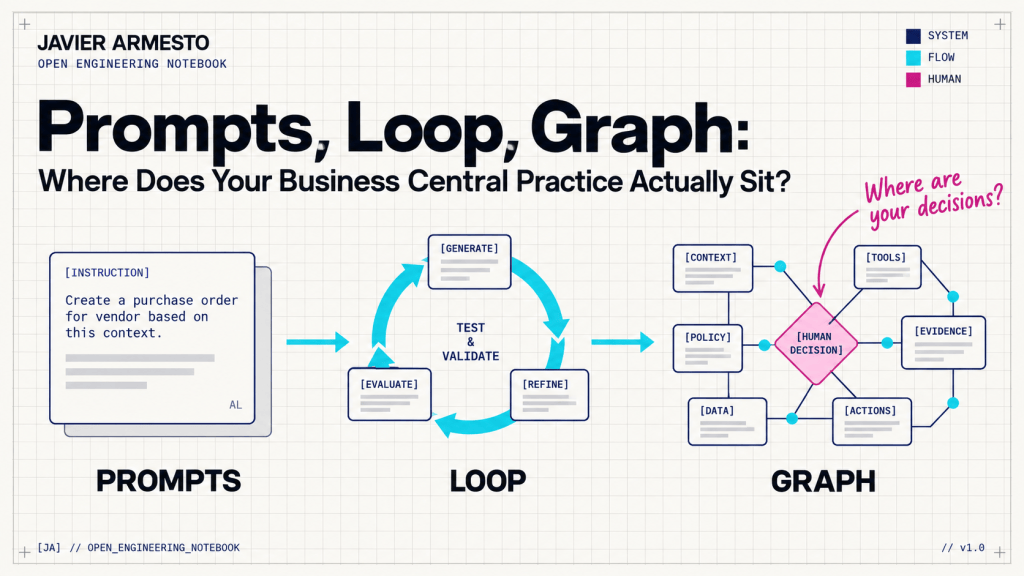
Workflow autonomy offers Human and Automatic — prior approval. After confirming Apply mode, start a new session with AL Development Conductor. Automatic maps to the pre-approved gate setting: with the requester’s prior approval, approval gates become recorded checkpoints. The Conductor cannot grant itself this mode.
Mandatory hard stops still stop the workflow. Commit authorization remains separate, Copilot permissions are unchanged, and publication still needs its own authorization. If you kept an older customized Conductor during an update, update that contract before using the new control. This is a decision about how the workflow progresses, with its boundaries still in place.
Make planning specific to the change
For work that subscribes to Base Application events, planning now records the standard publisher flow, the selected hook and the reason for that choice. Implementation explains the selection above each EventSubscriber attribute. For example, an agent proposing an event should show how that event fits the standard process and the requested behavior. A matching name alone is a weak basis for an architectural decision.
Eligible LOW-complexity work without an architecture document receives a Mini-design in the plan. The architecture gate for MEDIUM and HIGH complexity remains. The Conductor delegates research, implementation phases and review through the host’s delegation tool with a complete brief. If delegation is unavailable, the affected step stays pending rather than being reported as completed.
Review the reasoning and the implementation
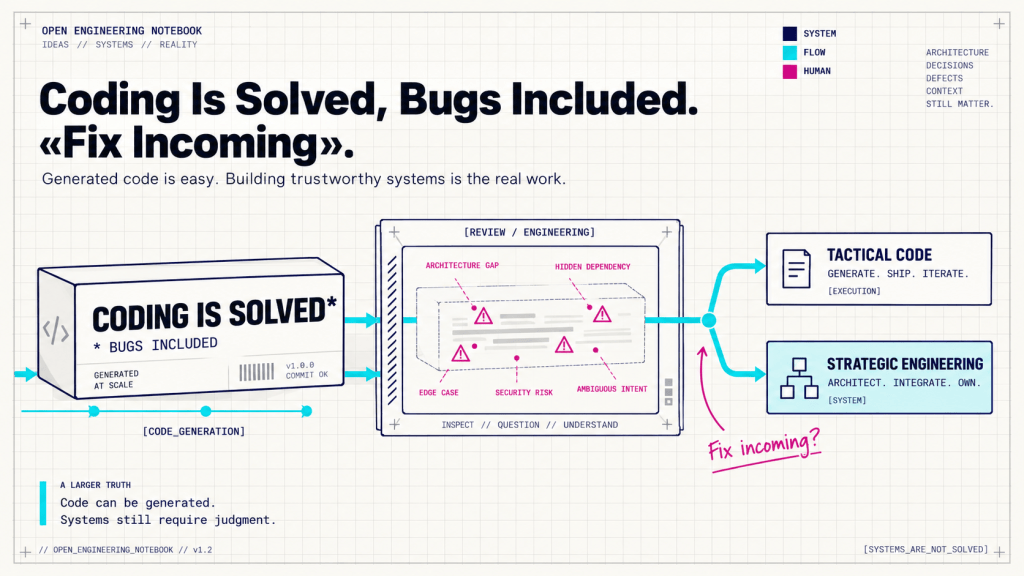
The refreshed toolkit adds scoped security guidance and mandatory review checks, covering areas such as least privilege, sensitive values, validation and outbound HTTPS calls. Selected BCQuality articles receive an apply-or-justify disposition. Apps extending Agent Metadata Provider also receive Agent SDK completeness checks. These are review obligations; they do not certify that every generated application is secure or correct.
Ask what the evidence actually proves
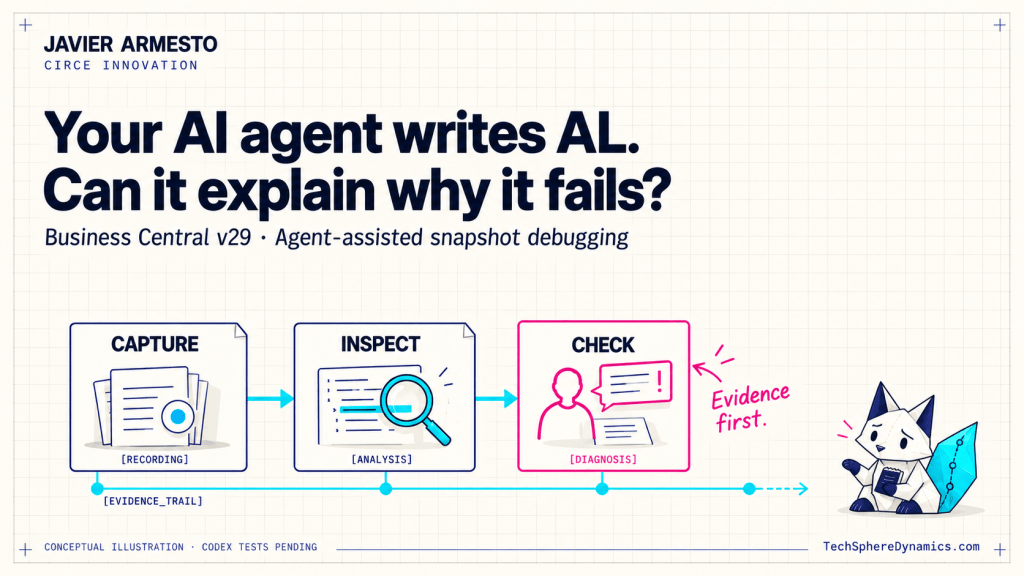
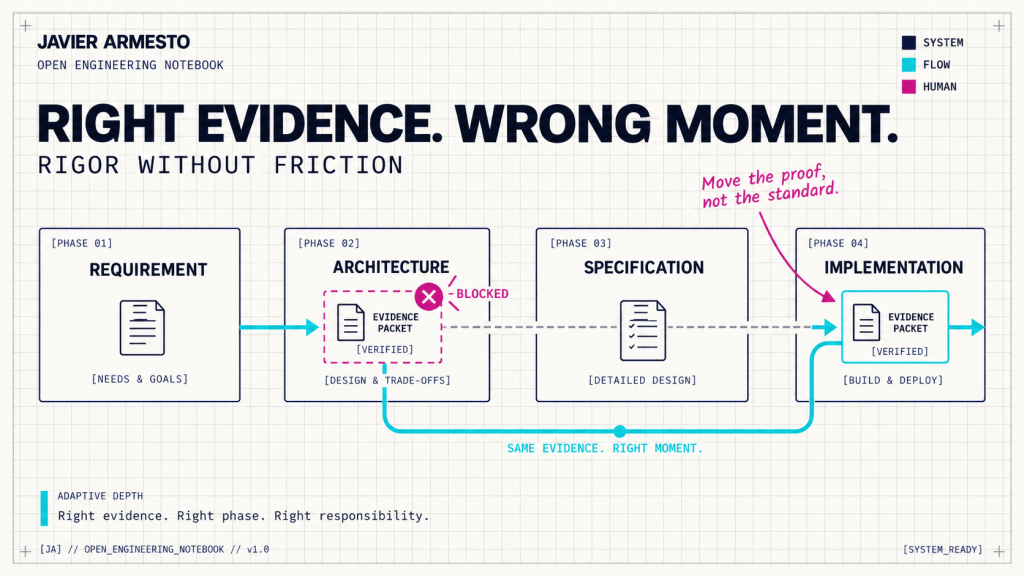
A completion report distinguishes verification performed, checks not run, decisions taken without a human and open risks. The practical value is that you can decide what to do next without reconstructing the whole conversation. The following examples illustrate different evidence states; they are not results from a specific project run.
| Evidence | What it supports | What remains to be established |
|---|---|---|
| Test code written | A test implementation exists. | Compilation and runtime behavior. |
| App build succeeded | The identified App project compiled. | Test-project compilation and test execution. |
| Test build succeeded | The identified Test project compiled. | Actual runtime test results. |
| Per-test results recorded | The named tests ran with reported outcomes. | Coverage beyond those tests. |
| Empty diagnostics list | That query returned no diagnostics. | A successful build; results may be stale or incomplete. |
An optional testing.runner command can execute after compilation and before review. It must return actual per-test results and fail with a nonzero exit code when appropriate. Without a runner, execution remains not-run. Configuring a runner is preparation; the recorded results establish what happened.
Update the extension, then the project
ALDC 5.2.0 is available through Visual Studio Marketplace. Updating the extension and updating the toolkit already copied into your project are separate operations. Use this sequence:
- Update the extension to 5.2.0 or later and open AL Collection: Open Project Manager.
- Select your solution, run Update Toolkit and review the preview, including customized files and collisions.
- In BCQuality, choose the integration and confirm Change mode. Install or manage the plugin if you use that mode.
- In Workflow autonomy, choose Human or Automatic — prior approval and confirm Apply mode.
- Run AL Collection: Verify Installed Toolkit, inspect the result and run AL Collection: Run Doctor for the selected solution. Reload the window when needed for agent discovery, then open a new chat with AL Development Conductor.
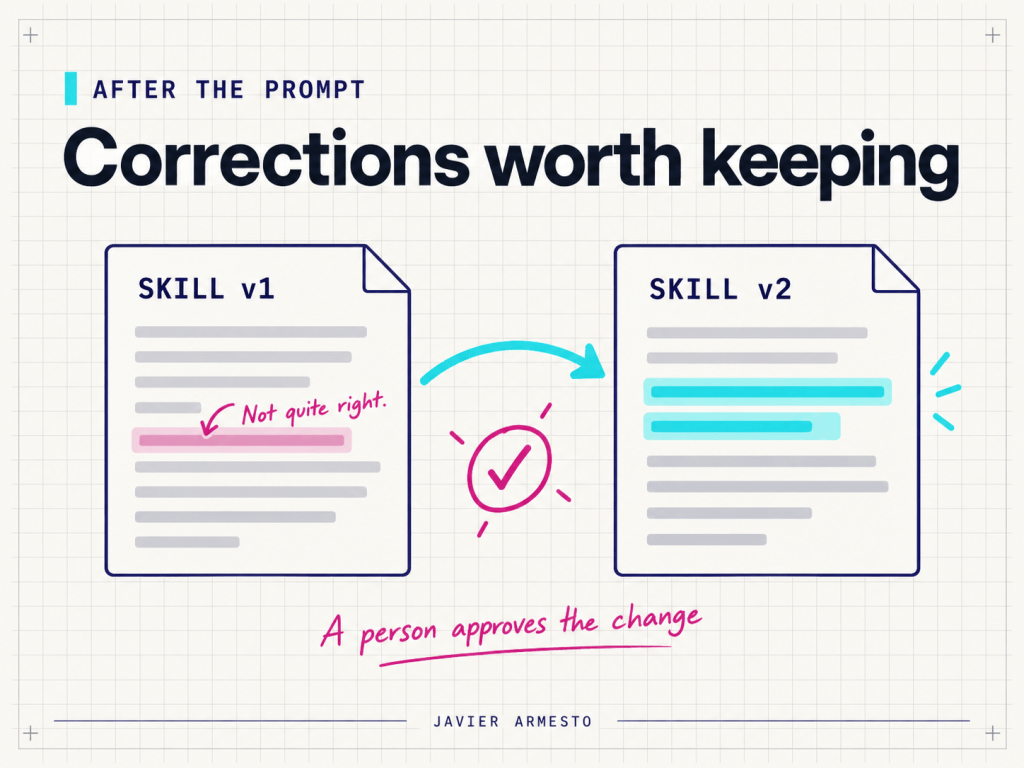
Configuration changes are confirmed for the selected project and keep a recoverable copy. Preserving a customized file can also preserve an older contract, so review what you retain. Verify Installed Toolkit checks installation integrity; it does not demonstrate agent loading, compilation or runtime test execution.
Scope and next steps
Both bc28 and bc29-native remain available. Claude Code continues on its independently maintained edition. Canvas is an optional experimental companion, evaluated separately and not bundled or installed by the VSIX.
For me, the useful test of this release is straightforward: can I see the knowledge behind a decision, understand where I have approved autonomy and identify what is still unverified? That is the conversation I want ALDC to support. When an agent tells you that a change is finished, what evidence do you expect to see?
Sources
Project Manager, Context Doctor and preflight boundaries























Deja una respuesta