For some time, we have been customising our AI assistants by adding instructions, prompts, agents, MCP servers and small automations separately. It works, but as that environment becomes more complex, it becomes harder to reproduce on another machine, share with a team or keep updated.
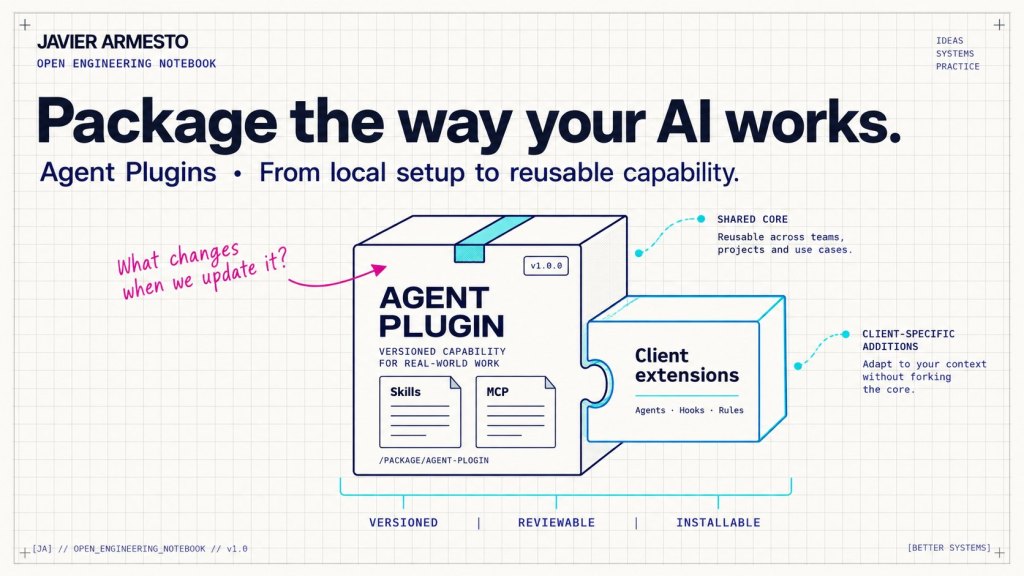
Agent Plugins aim to solve this problem: bring together the capabilities an agent needs to work in a particular way. We can start to version and distribute a way of working with AI, including its dependencies and rules.
For me, the useful exercise is to look at our instructions folder and ask which parts would survive a change of machine, team or tool. If the setup depends on us remembering how to assemble it, sharing it still takes too much effort.
What an Agent Plugin actually contains
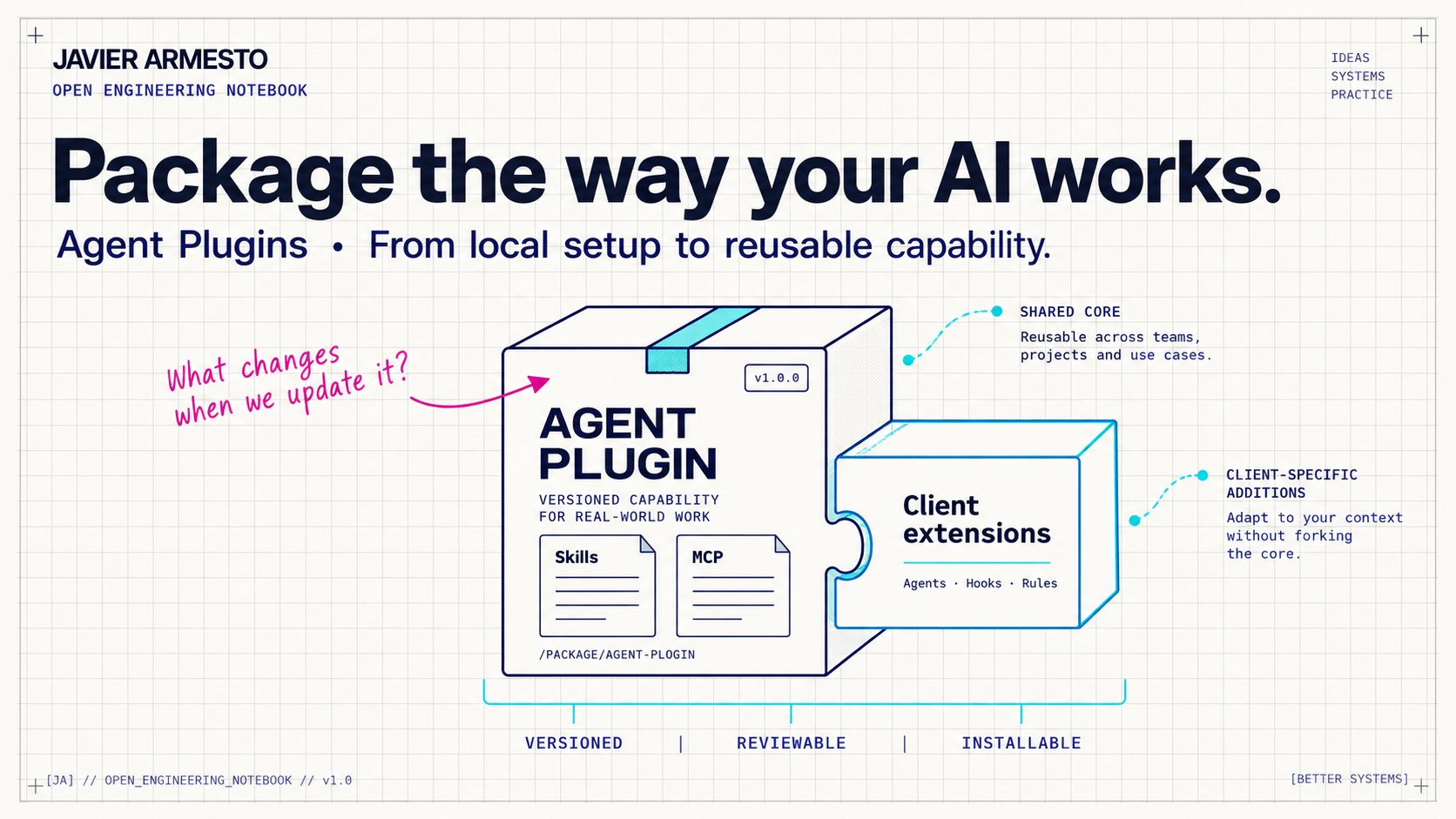
There is a distinction to make here. Agent Plugins 1.0 defines a shared core for skills and MCP server configuration. Other components depend on the extensions each client supports. Including a complete workflow in a package does not automatically make it a standard capability. Agent Plugins specification and documentation.
| Component | Purpose and scope |
|---|---|
| Skills | Specialised knowledge and procedures the agent can use. Part of the shared core. |
| MCP configuration | Describes connections to tools and context sources. Part of the shared core. |
| Agents, commands, rules and hooks | Add specific behaviour according to the client and its extensions. |
| Workflows | Coordinate capabilities and decisions. Execution depends on the tool and process design. |
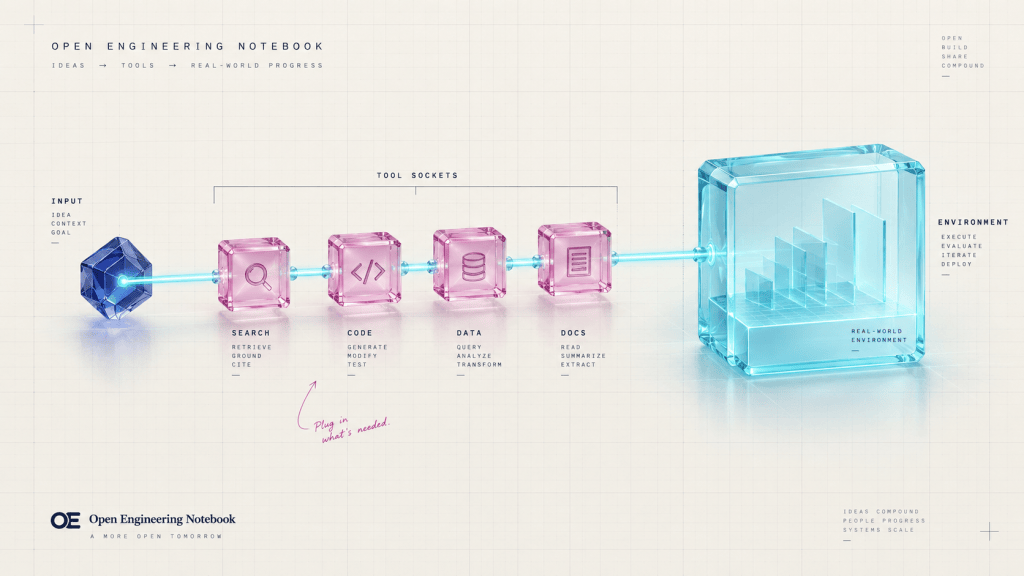
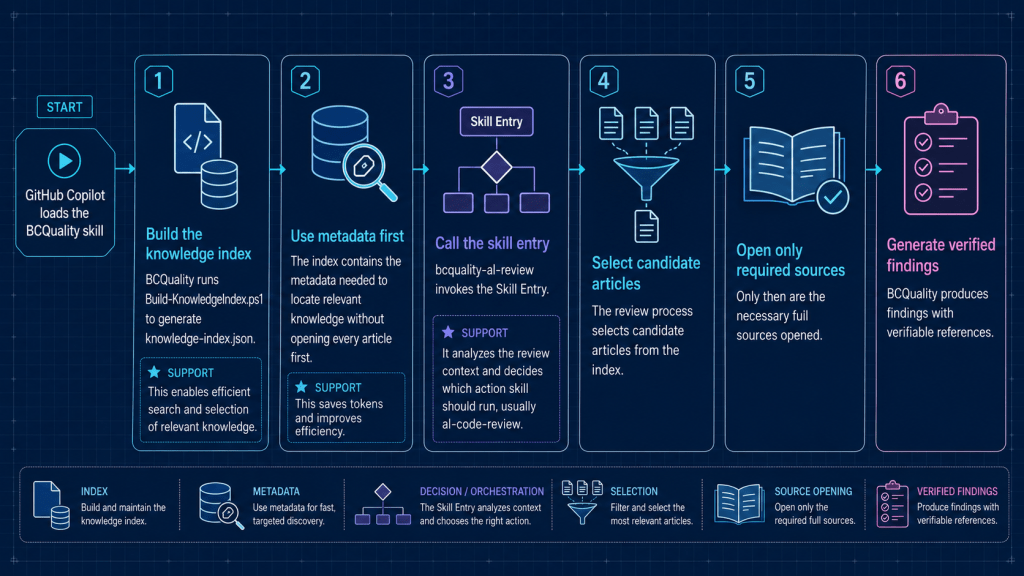
A skill might describe how to review an AL development. An MCP server might provide access to documentation or a business system. A specialised agent might take responsibility for the review, while a hook runs a check at a particular point, if the client supports it.
Each component has a purpose. The package becomes useful when we can give that set of capabilities to someone else with a version, installation instructions and a clear scope.
Imagine we have spent weeks defining how an agent should work on a .NET or Business Central project: which conventions to follow, which tools to use, how to validate code and when to request human input. If that knowledge is spread across folders and local settings, sharing it means rebuilding the environment. Packaging it gives the team a common starting point.
From the prompt to the agent environment
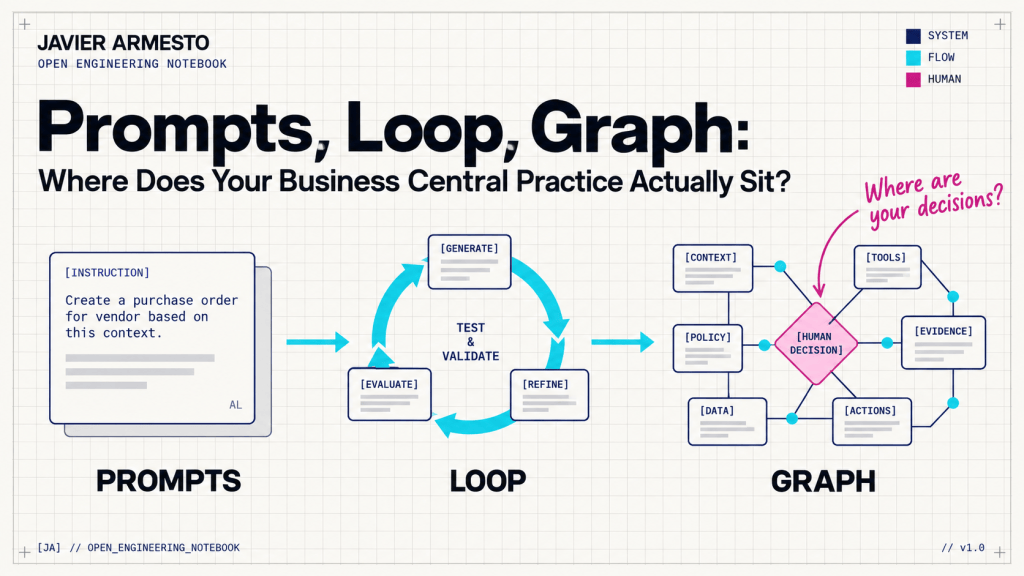
We have been adding persistent instructions, specialised agents, MCP, skills and workflows around the model. The agent’s behaviour depends on that combination, as well as the prompt we write in each conversation.
A technical lead could prepare a plugin with the company’s architecture conventions, development skills and tool connections. Client-specific capabilities would complete the review and validation process. A new developer would start from that package, with the access and execution requirements of their environment.
This is one of the changes that interests me: part of our engineering knowledge can start to be distributed as software.
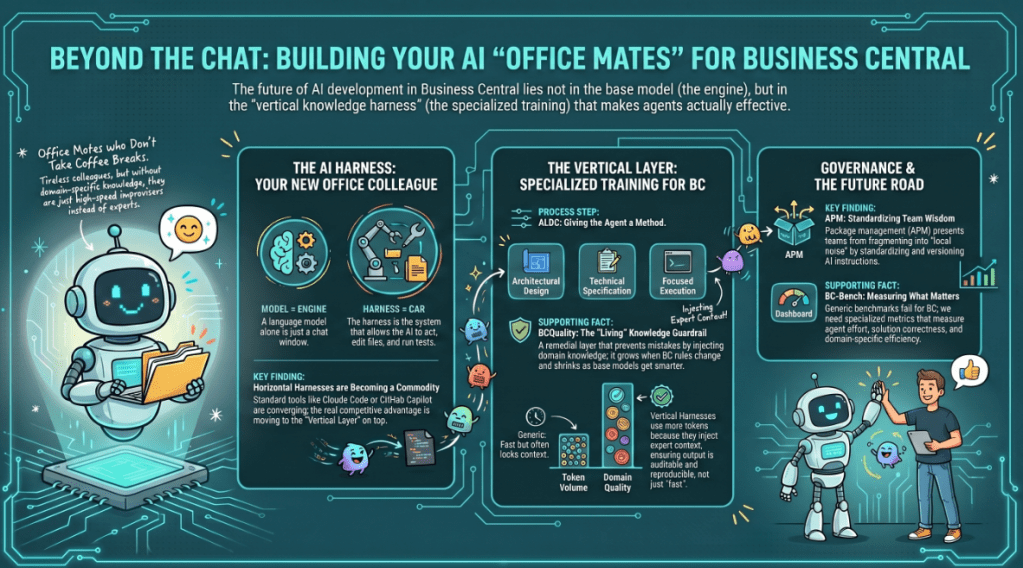
Back in May, I wrote about the knowledge layer AL needs above the harness. We keep finding names for what we build around the model, but the underlying question remains practical: how do we make that knowledge usable and maintainable? Above the AI (agentic) Harness.
Discover, install and govern
GitHub announced Agent Plugins 1.0 support in VS Code, Copilot CLI and the Copilot app. Existing plugins remain supported; adopting the specification does not require discarding them. In the shared format, Copilot-specific capabilities go in com.github.copilot/. GitHub announcement.
A marketplace helps us discover packages. Awesome Copilot is one of the default catalogues in VS Code and Copilot CLI. For a team, it also makes sense to maintain its own repository and manage changes through pull requests, validation and releases.
The distinction matters: the plugin is the distributable unit; the marketplace is the catalogue where we find it. A company may want to distribute internal capabilities without turning them into a public product.
When we install several plugins, format compatibility solves only part of the problem. Two packages may give conflicting instructions, expect different versions of a tool or introduce overlapping reviews. That needs testing too.
I would never treat an Agent Plugin as an invisible dependency.
If it affects how our code is generated, changed or validated, I want to know which version we use, what it contains and what has changed. I also want to know who reviews that change and what makes it acceptable. Git makes a lot of sense here.
Building our own and understanding portability
The most interesting part starts when we bring together our own capabilities. We may already have instructions, agents and tools working independently. Creating a plugin forces us to decide which components form a coherent unit and what someone needs to use it.
In the shared format, plugin.json identifies the package, skills/ contains the skills and mcp.json describes MCP servers. Client extensions have a separate space. Format documentation.
That structure helps, although a manifest does not define all the process contracts. If a team installs a review agent, it needs to understand what the agent reviews, what information it receives and what it must return. If an external tool is required, we need to explain how to make it available. Installation does not replace those agreements.
There is also a limit I want to make clear: portability does not mean identical execution. Two clients can read the same package while offering different tools, permissions or execution cycles. We need to check behaviour in every environment we intend to support.
That is why I see plugins as a way to reuse capabilities and reduce adaptation work. The common parts can be shared; specific behaviour still needs attention.
From personal configuration to shared knowledge
Think about what a company accumulates over the years: architecture decisions, development patterns, review procedures and product knowledge. Some of it lives in documentation and repositories; some lives in people’s experience.
Agents let us use part of that knowledge during the work. Plugins offer a way to distribute it. For Business Central development teams, this could help AL conventions or a quality procedure reach the whole team with an identifiable version.
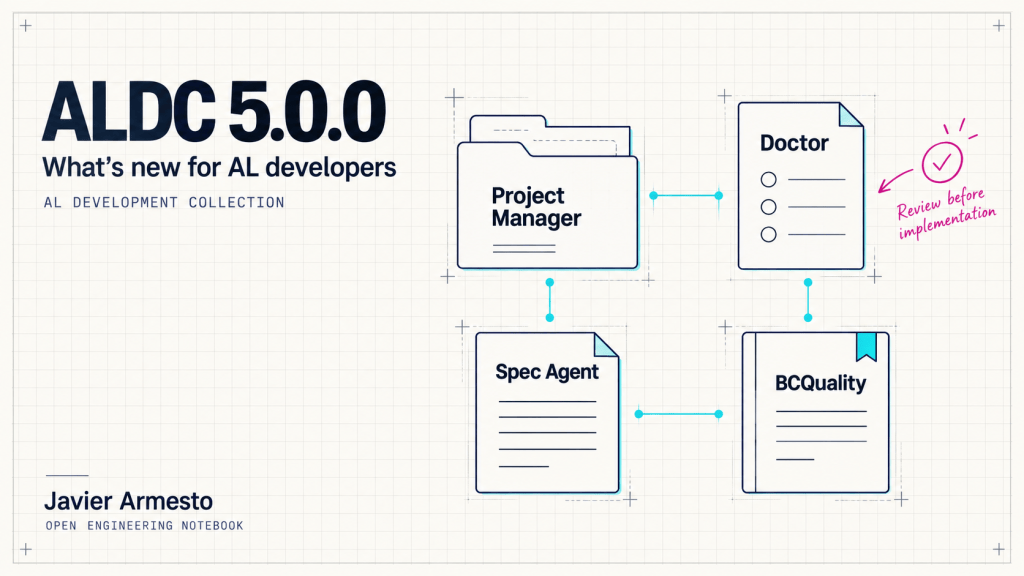
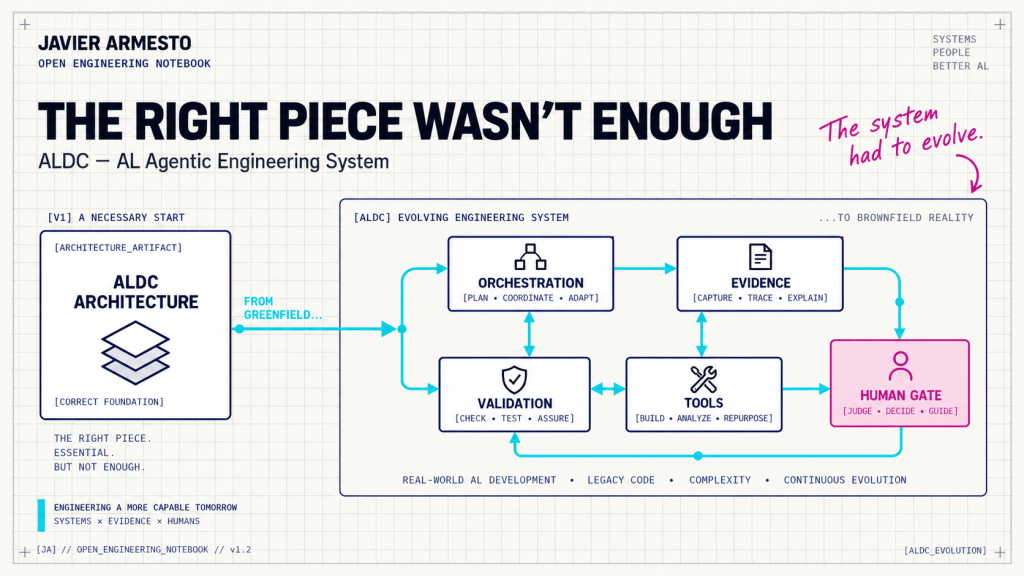
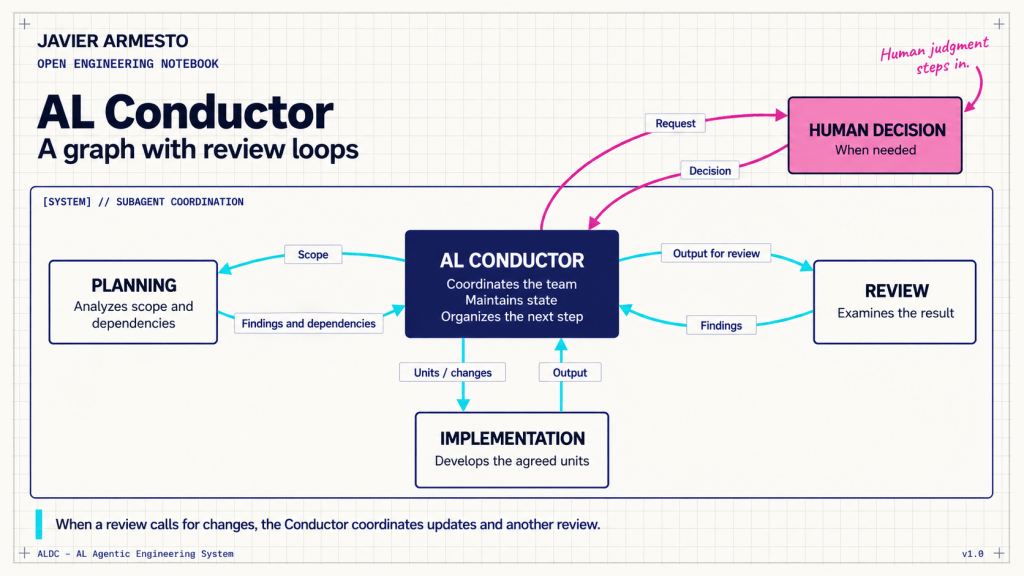
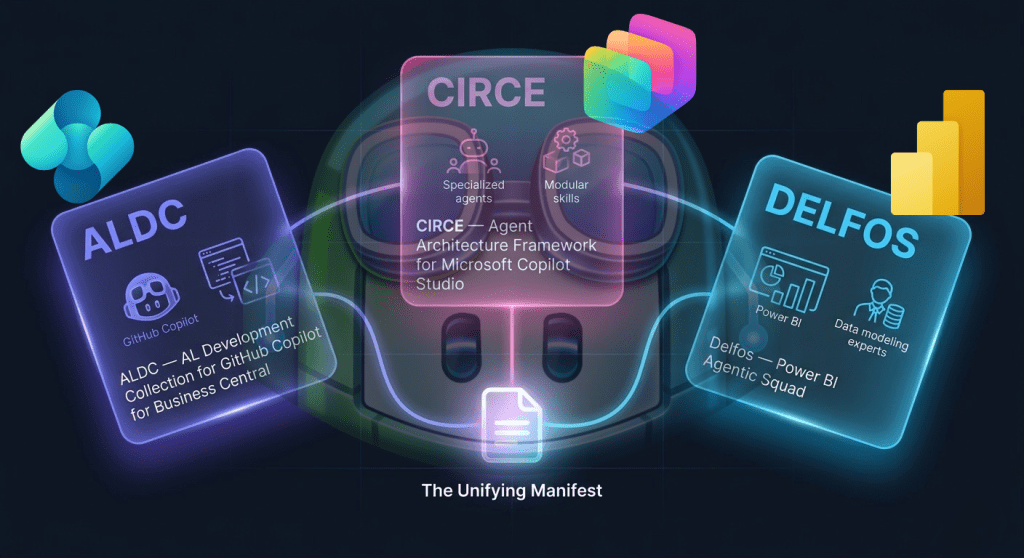
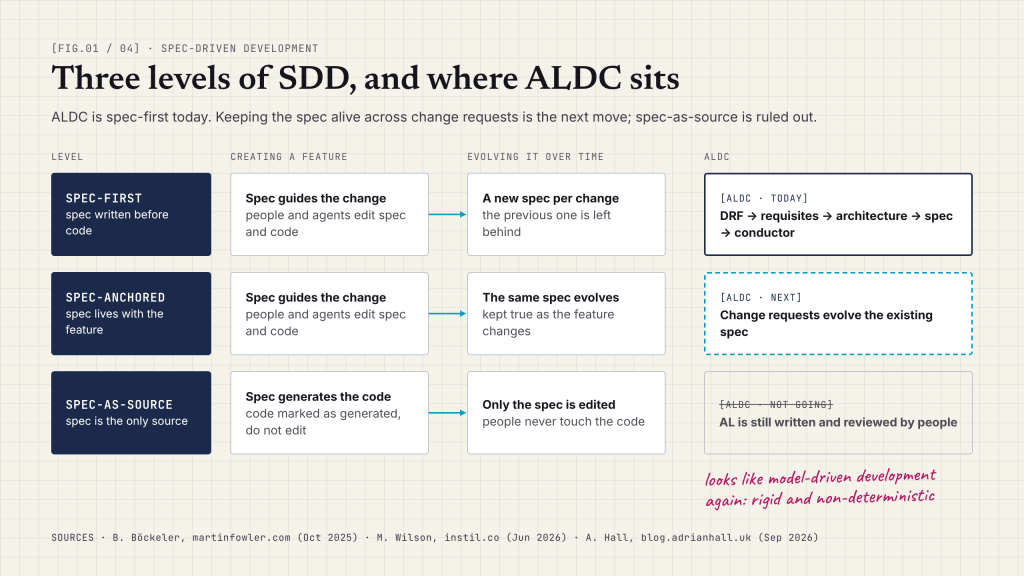
In projects such as ALDC, I am particularly interested in the relationship between distribution and process. Packaging capabilities makes them easier to install; keeping acceptance criteria clear helps us determine whether they still do the work we expect.
Where this leaves me
I think the potential impact of Agent Plugins lies in sharing how we want AI to work: which knowledge to consult, which tools to use, which process to follow and where a person takes part.
For an individual developer, this can save setup time. For a team, it can establish a common base. Turning it into an engineering platform also requires reviewing changes, validating behaviour and maintaining packages with the same discipline we expect from the software they produce.
I would start with a very concrete question: if someone else installs our plugin tomorrow, will they know what it does, what it needs and how to check that it works?
Javier Armesto · Open Engineering Notebook























Deja una respuesta