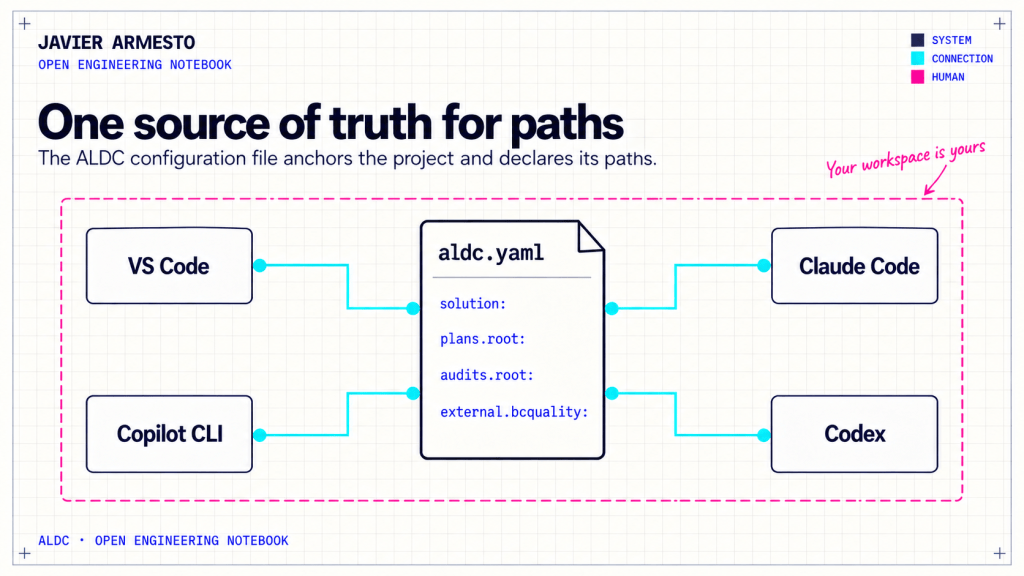
Once the same AL project moves across development surfaces, a practical question appears: where did each one put its specifications, audits and other work? VS Code may follow one convention; Claude Code or Codex may organize their files differently. If every agent memorizes a path, moving a folder becomes a chain of edits and missed assumptions.
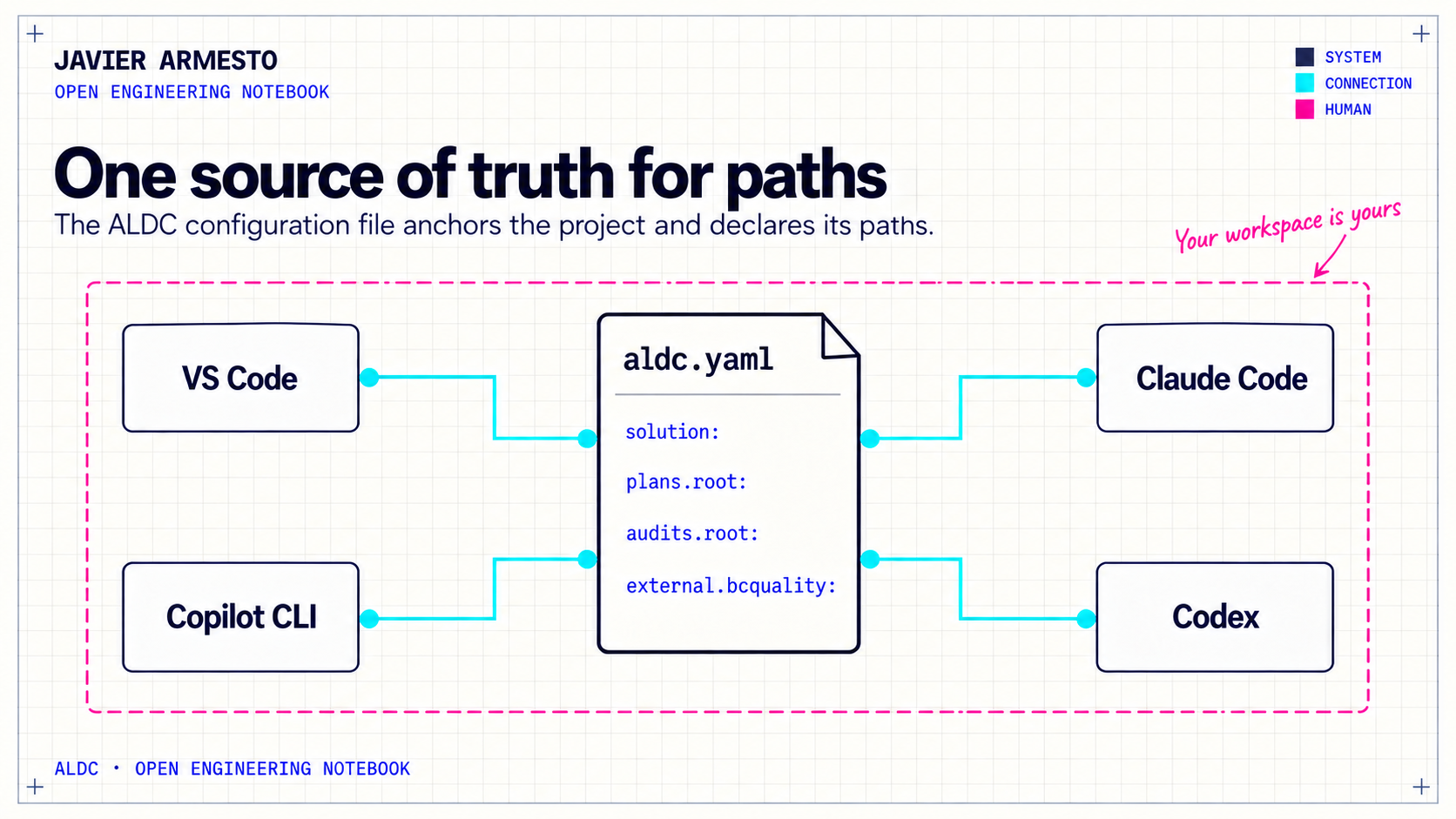
ALDC declares those choices in aldc.yaml. The file lives at the project root and anchors the paths ALDC manages. Consumers read the declared location instead of carrying a hard-coded guess in each agent or script. It does not erase differences between hosts; it gives the team one place to understand and maintain them.
Adapt paths without breaking the workflow
plans.root locates the contracts for each requirement: specification, architecture, test plan and phase reports. audits.root locates Dredd’s audit reports. The canonical configuration uses folders under .github/, while distributions can declare locations under .claude/ or .agents/. Installers, agents, validators and the panel need to read the value for the distribution they are using.
The contracts block declares conventions that also need to travel: global memory, filenames such as {req_name}.{type}.md, the spec, architecture and test-plan types, and an archive folder for completed work. If you reorganize the plans, you should not need to chase an old path through every consumer.
solution describes the app and test roots. An empty value is valid when that part of the project does not exist yet. For discovery, ALDC consults .AL-Go/settings.json first when available and then performs bounded local search. It can therefore support an AL-Go solution or a simpler repository without making you create placeholder folders.
Configure BCQuality in one place
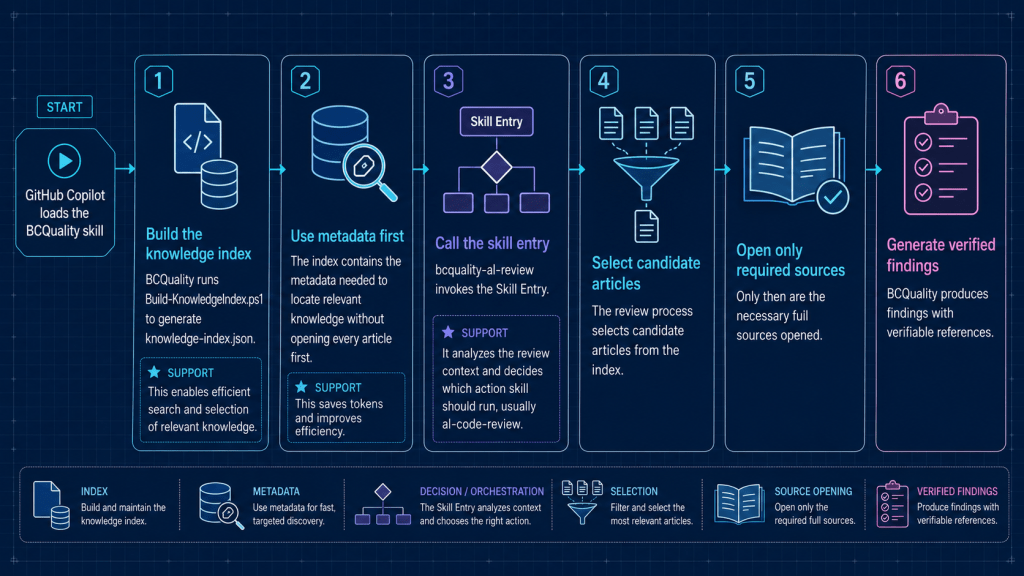
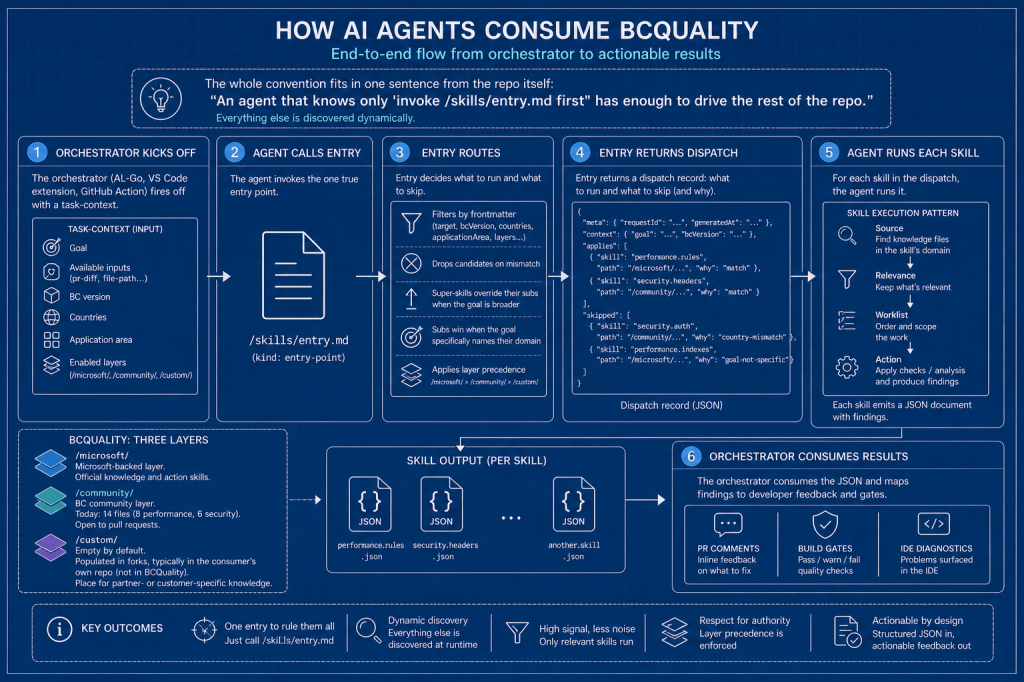
The external knowledge base has its own block, external.bcquality. It selects multiroot or plugin mode, identifies the corpus source when applicable and can pin a commit to identify the revision used. BCQuality’s root is not duplicated in solution; two places for the same location would eventually give the project conflicting answers.
This block also supports a practical fallback. If BCQuality is unavailable, ALDC can continue with native review and record why. The configuration selects a provider; it neither installs that provider nor proves that its review skill ran. Those are separate responsibilities and each tool should report its own result.
A workspace that remains yours
During installation, ALDC can seed aldc.code-workspace from the declared roots. It does not rewrite the file afterward. If you added a documentation folder, another project or your own editor preferences, a toolkit update should not rearrange your workspace. The panel can suggest a missing root, while your existing choices remain intact.
The rest of aldc.yaml declares which toolkit parts are required and which extend it. required and optional help identify an incomplete installation; validation.rules distinguishes errors from warnings. Missing global memory or a required skill needs attention. An active requirement without all its documents, or an absent recommended skill, can be ordinary work in progress. The file also states whether Copilot’s always-on entry point is validated as a lean subset (trimmed) or an identical copy (mirror).
The benefit of aldc.yaml is not the addition of another YAML file. It is the ability to open a project from another surface and find its paths and contracts without reconstructing hidden decisions. When you change your workspace to work better, you can also trust that the next ALDC update will not erase that choice.
























Deja un comentario