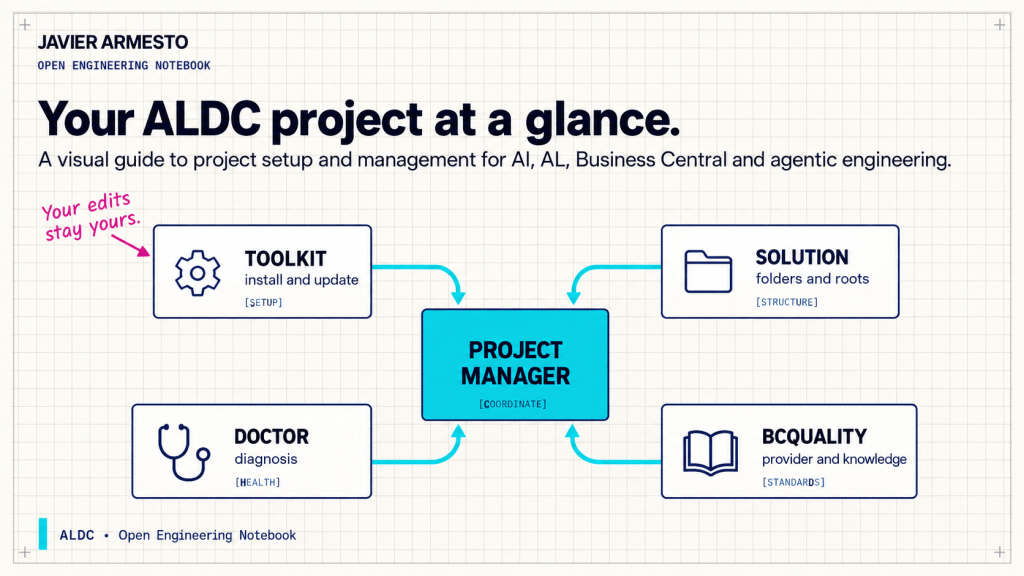
Setting up a Business Central project for agents leaves small questions scattered around the editor. Which toolkit version is installed? Where are specifications saved? Is the BCQuality corpus open? Which folder does ALDC recognize as the app? You can answer them by opening configuration files one by one, but that becomes a poor routine as the project grows.
ALDC Project Manager brings that information together. Open AL Collection: Open Project Manager from the command palette or use its Explorer view. It works with one selected project at a time, which helps when the workspace has several folders. Its purpose is to show the project’s current setup alongside the actions you can take.
Install and update while protecting your edits
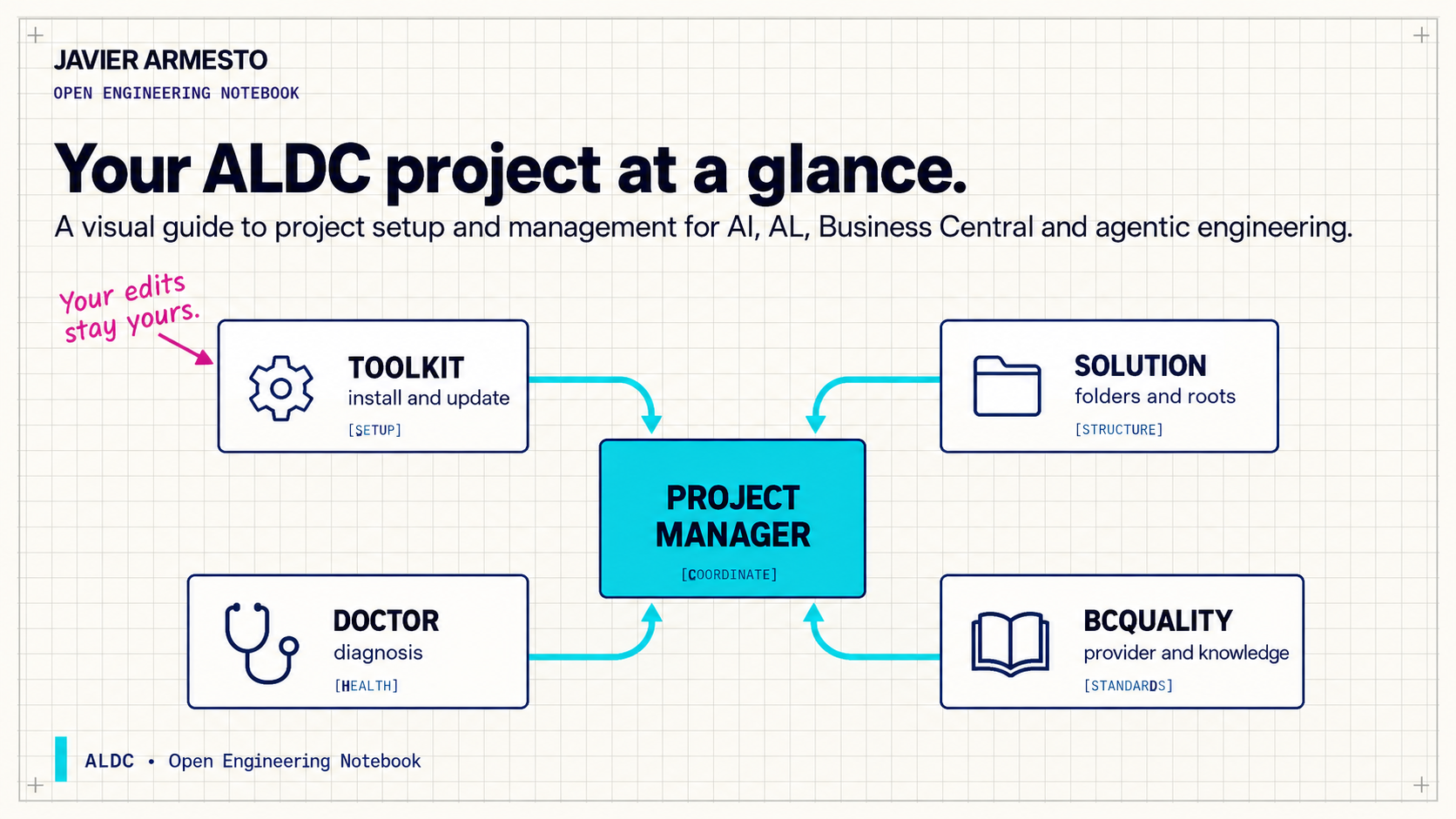
The panel shows the installed toolkit, its version compared with the extension bundle, and how its files compare with the installation receipt. The receipt records what ALDC wrote. If you later edited an agent or instruction file, the tool can distinguish your work from its original content.
Install and Update preview the exact files and destinations before writing. Verify compares the current files with the receipt. Restore can undo the last installation when that will not overwrite your subsequent edits. For a framework that lives inside real projects, protecting local changes is as useful as having an update button.
See the shape of the solution
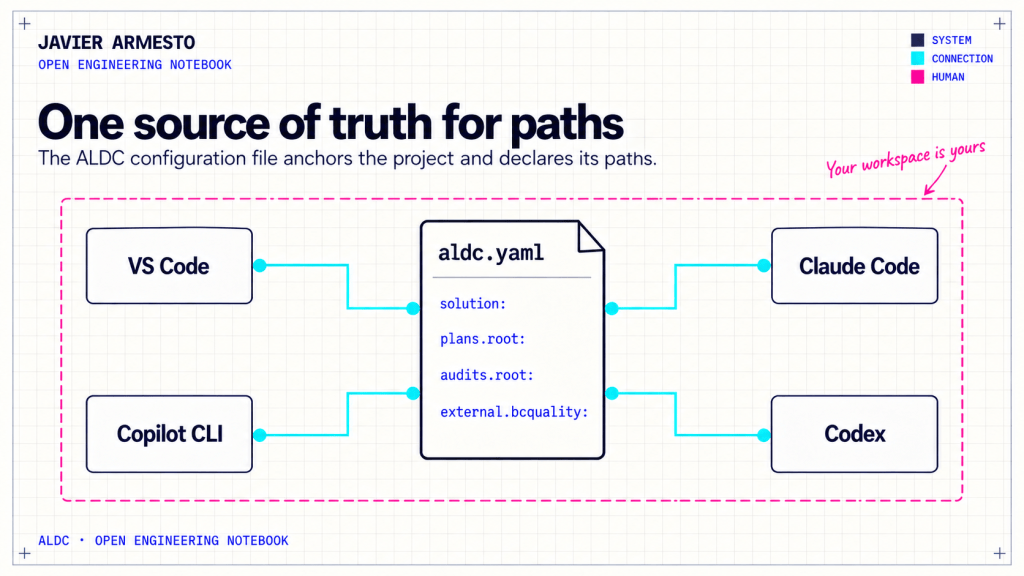
Declared layout and Workspace roots connect the solution described in aldc.yaml with what is open in VS Code. ALDC anchors the project at the directory containing that file and discovers the app and test folders. When .AL-Go/settings.json exists, it consults those definitions first; bounded local discovery fills gaps when necessary. The panel can identify a missing workspace root and suggest adding it without removing roots you added yourself.
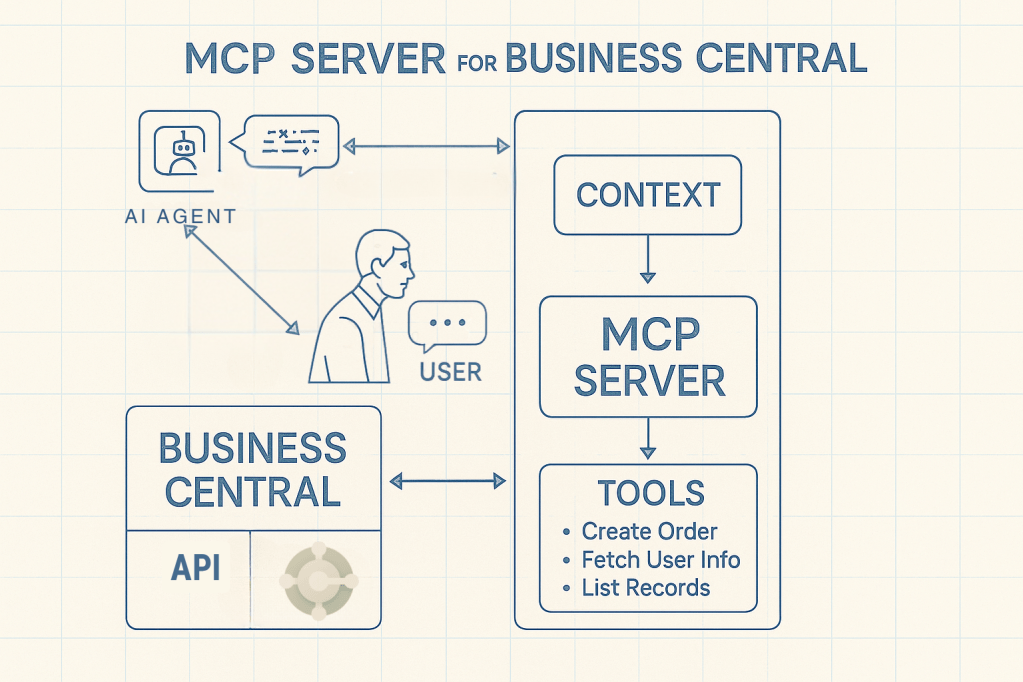
MCP servers displays the servers declared for the project. BCQuality shows the selected review provider and the observed state of its knowledge index. In multiroot mode, the panel helps you understand how the corpus connects to the workspace. In plugin mode, it surfaces the configured identity. Declaring a provider does not install it, and the panel should report only what it can observe.
Use Doctor to choose the next step
You can run Doctor from the same environment. It checks local readiness for four operations: producing a specification, compiling the app, compiling the tests and running tests against Business Central. Each operation receives its own diagnosis. A missing test environment does not need to be confused with a problem in specification setup.
Doctor requires Python 3.9 or later and uses only the standard library. It can run from the panel, command palette or terminal, and the JSON export retains the detail behind the panel. If Python is installed in an unusual location, al-collection.pythonPath can point to it. That makes the diagnostic useful outside a manual editor session as well.
Its boundary is straightforward. Doctor inspects files and reported evidence; it does not compile AL, install providers or run tests. Execution not observed is therefore an ordinary status before a build or test has been run. Exit code 0 means it found no configuration blocker or reported failure within its scope, not that the app has passed compilation. This distinction helps you decide whether to repair the local setup or run the next check and read its result.
Bring in BCQuality without creating a dependency trap
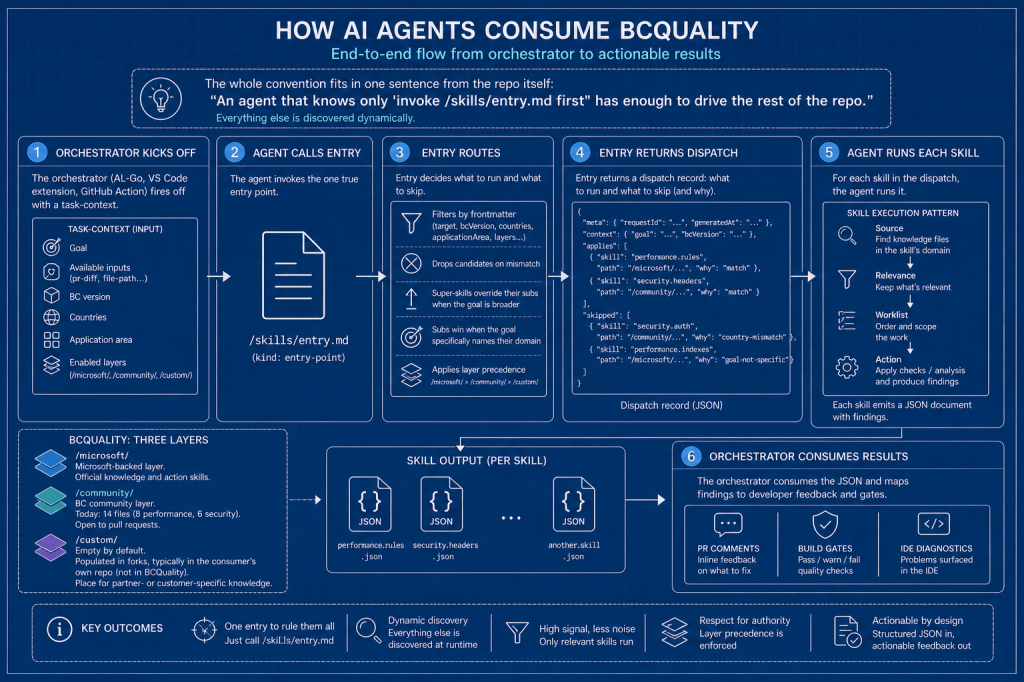
BCQuality is optional. ALDC can consume an external corpus as another workspace root or select a host-installed review skill in plugin mode. The choice sits under external.bcquality in aldc.yaml, together with its source and availability setting. With enabled: false, ALDC neither probes nor executes the provider. If it is missing or incompatible, the full native A–G review remains available and the fallback is recorded. Tool absence does not become a supposed defect in your AL code.
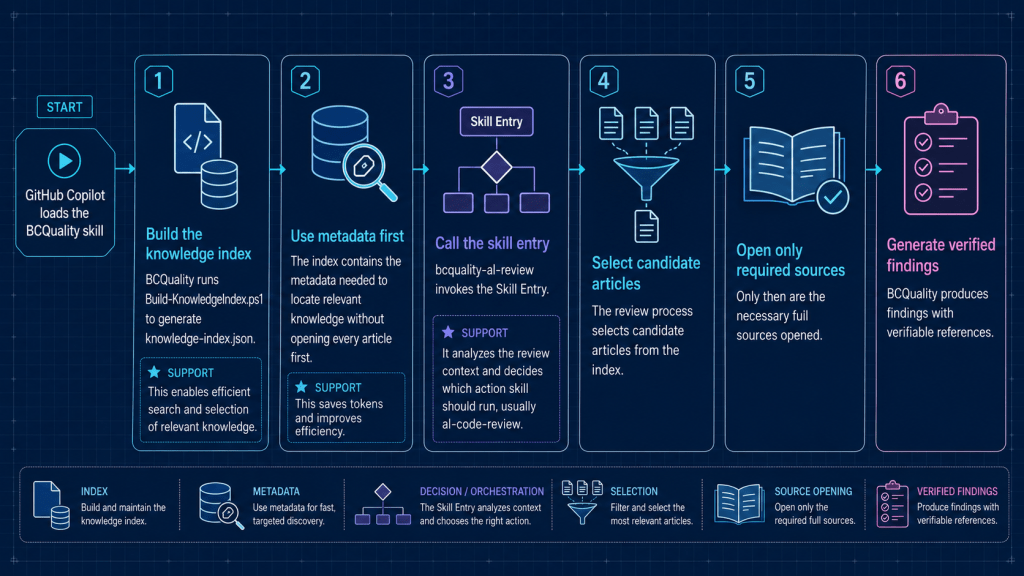
The knowledge index can speed discovery, but building it requires PowerShell 7. If generation is unavailable, that limitation should be reported and path-based access used. A file already present on disk is not proof of a fresh index.
Project Manager saves the unglamorous work of reconstructing how a project was set up. You can see what ALDC installed, which layout it recognizes, how external resources are configured and what needs attention for the operation you want to perform. Then compilation, review or test execution can happen as separate steps, each with its own result.
























Deja un comentario